Hi there.
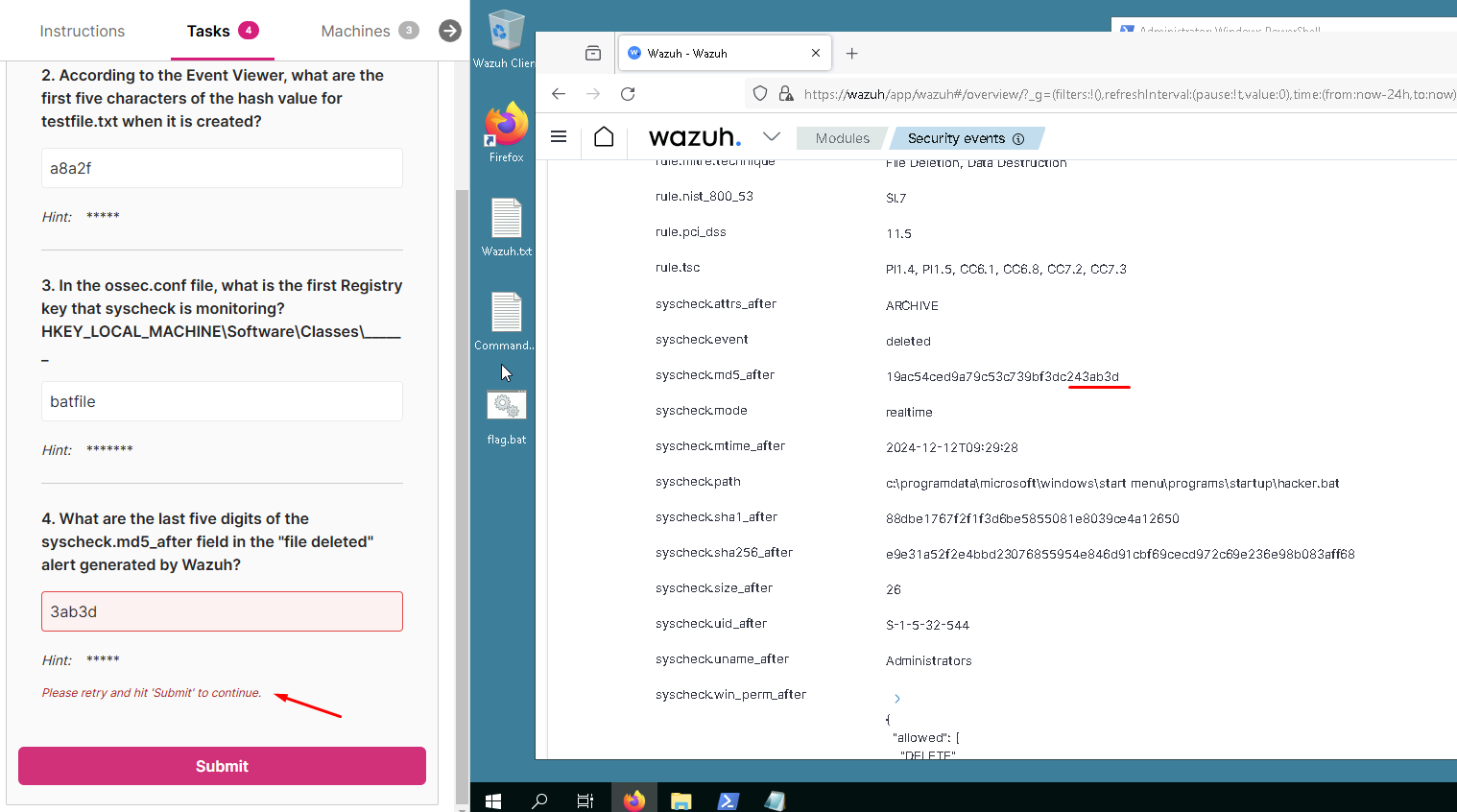
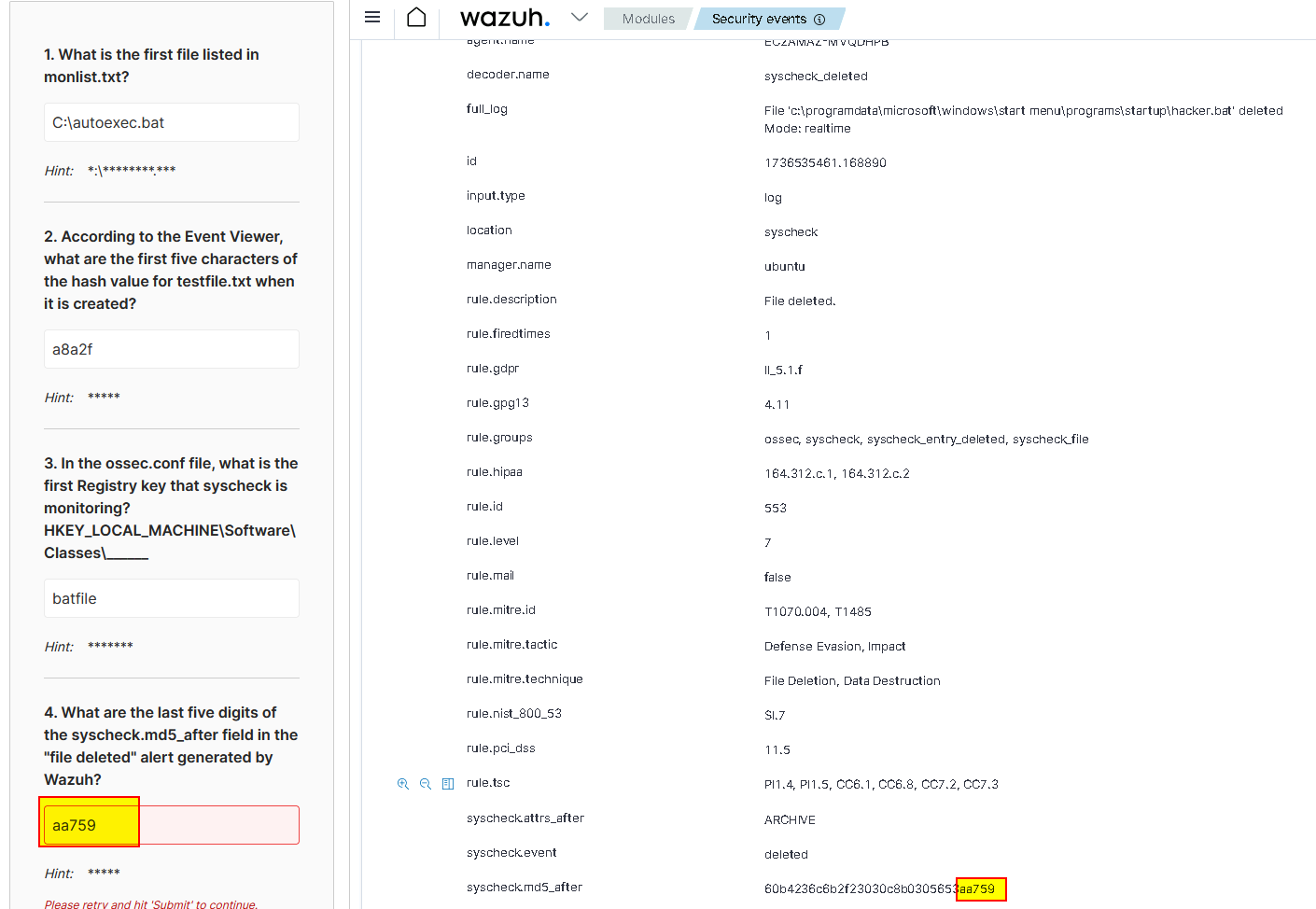
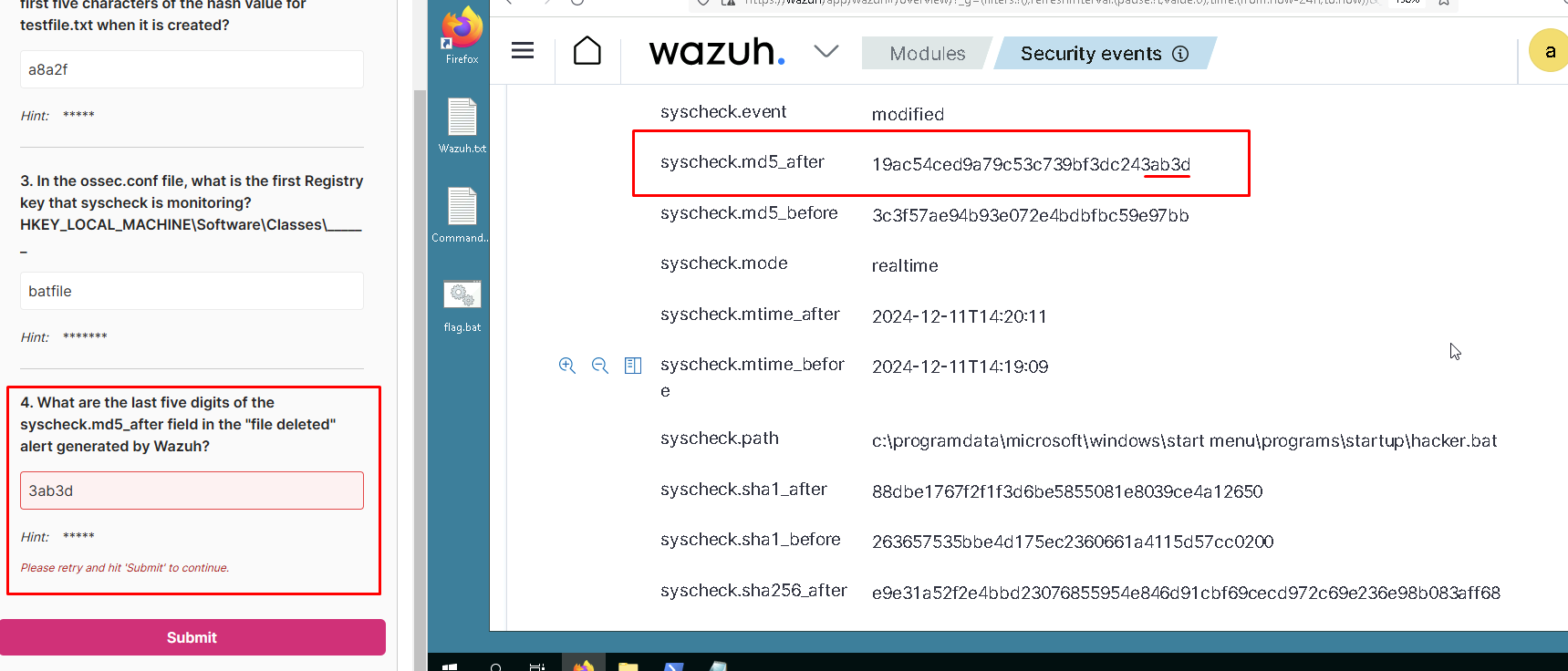
In the lab for the File integrity monitoring the task is not completed since the value i am entering is not accepted.
Can anyone assist?
I can confirm…

I have updated the answer, please try again.
I republished the answer file, and tested it. I’m not sure why it did not take the change last night but it seems to be working now.
Thank you. All good. Much appreciated
I am attempting the file integrity monitoring lab and am at the point where I’m attempting to open the Firefox Wazuh bookmark yet keep getting an “unable to connect” message. I’ve contacted the administrator of our company website, and they suggested contacting Cybrary as it seems that the issue is emanating from this end….cannot complete the final task due to inability to connect…please advise…thanks Jeff
Be sure you follow the steps in getting started…
You need to get the IP address of the Wazuh server, it will be different every time you do the lab.
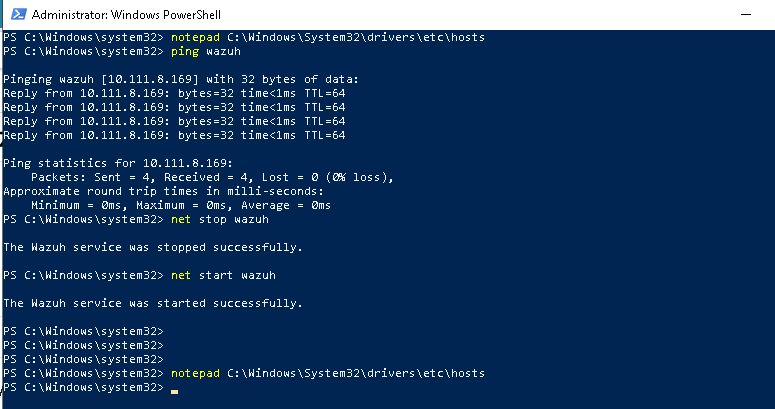
Next you need to update the hosts file on the Wazuh client, ping wazuh, and restart the Wazuh agent:
Be 100% sure you can “ping wazuh” and get a sucessfull response from the client.
Thanks so much for the clarification….