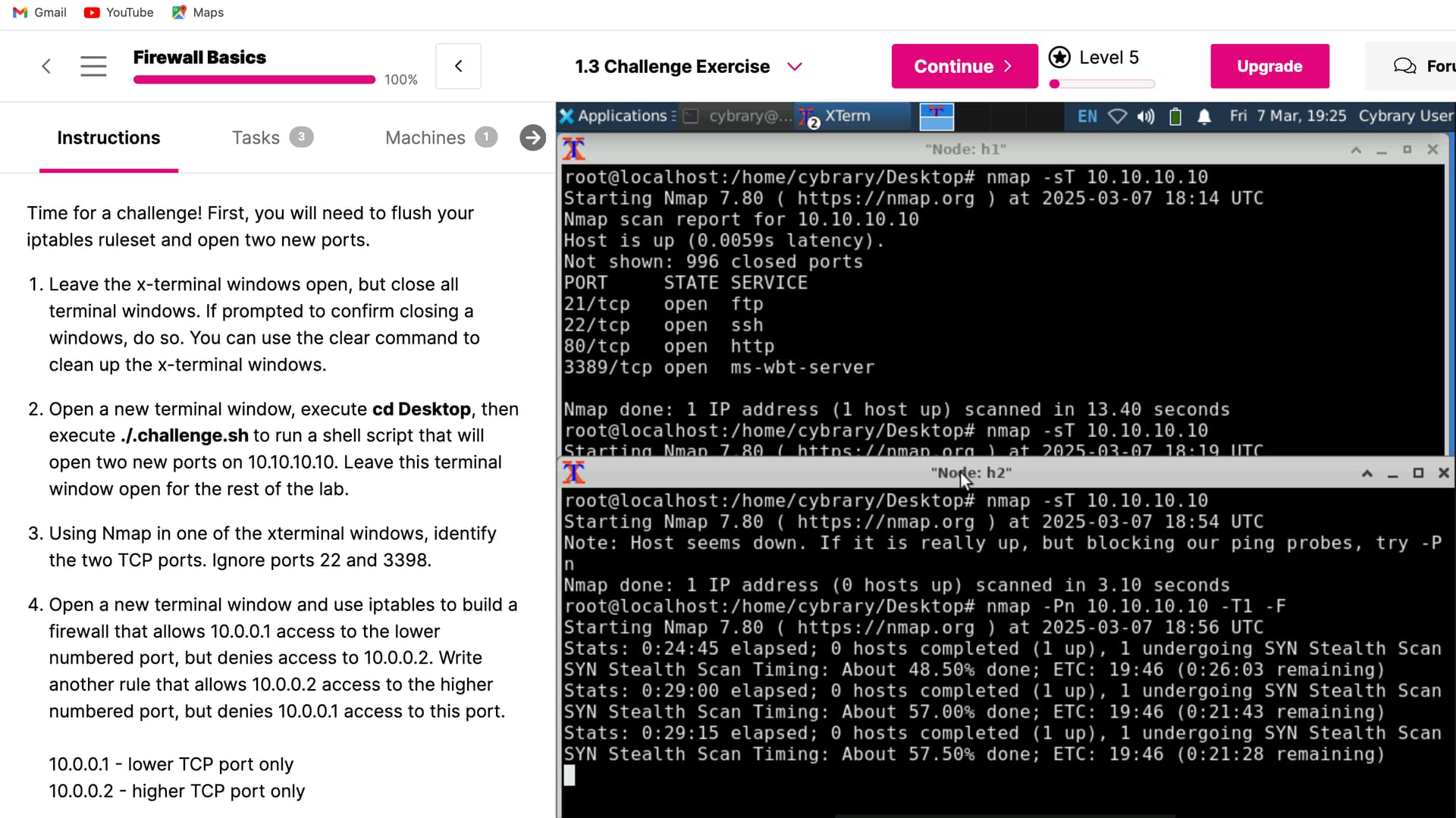
After i execute ./.challenge.sh to run the shell script that will open two new ports on 10.10.10.10. i get the error message that all 1000 ports are filtered, ik that means a firewall is blocking me but when i check using sudo iptables -L i see none i’m just so lost because i know it has to be something simple i’m not doing right somebody plz help!!!
I think the 10.10.10.10 ip address is not getting bound to the local ethernet card. Thank you for reporting this issue.
I will let you know when this has been fixed.

Good morning, i tried steps 9-16 before i made this post and the reason i did that is because after i finished the guided exercise i took a day or so off and when i started the challenge exercise it was saying " 1. Leave the x-terminal windows open, but close all terminal windows. If prompted to confirm closing a windows, do so. You can use the clear command to clean up the x-terminal windows." But i didn’t have any x-terminals or regular terminals open.
If you come back to do the challenge later you have to redo step 9 and the steps to start mininet.
Hey Joseph, i did that before i made this post and when i ran a nmap -sT before i executed ./.challenge.sh it read port 21, 22, 80 and 3389 was open but soon as i execute ./.challenge.sh thats when the problem started. But i will run it aging tomorrow because today is the sabbath.
Good morning, the lab is not working at all now!
Some labs were down this morning, please retry when convenient.
Is that missed step (#9) supposed to be from the guided exercise? I do not see it, and I do not see it in the challenge either. I am having the same issue with all ports being filtered after running ./.challenge.sh .. am I supposed to create the “firewall” IP address in a terminal window in the challenge exercise or back in the guided exercise? Thank you.
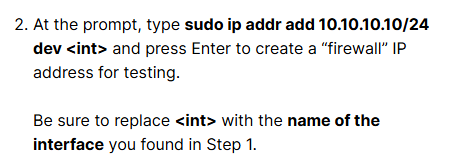
A couple things I see in the challenge that will make it harder than it needs to be.
The challenge assumes you have the mininet xterm windows open, and you have the 10.10.10.10 ip bound to the network card (ens5 in most cases). If you are coming back to this lab and doing the challenge later you have to bind the 10.10.10.10 IP and start mininet again.
The challenge also says to “close all terminal windows” but if you close the terminal running mininet, then you lose the needed xterm windows.
I will need to rethink this challenge and write it in a way where it is free standing of the lab.
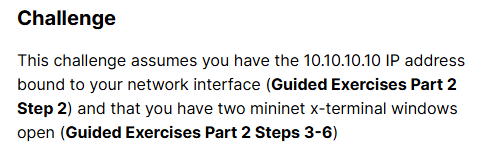
So I tried to go back to 1.2 and add the firewall ip, opened the xterm windows, then proceeded to 1.3. After running the challenge script, I attempted nmap in the xterm window, and no matter how I approached it (nmap -sT 10.10.10.10; nmap -sT -Pn 10.10.10.10; nmap -sS -Pn 10.10.10.10), I was unable to access any ports. The return response is that all 1000 ports are filtered.
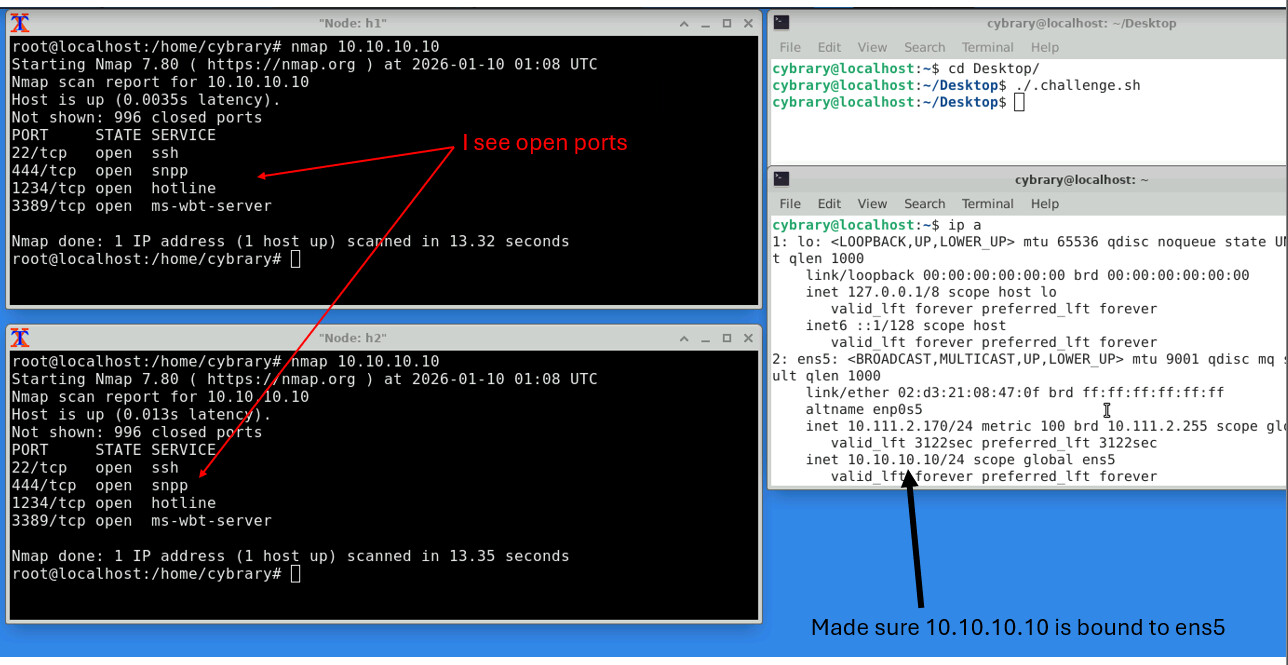
I was adding more than needed with the nmap command. Everything worked just fine when I followed the lead from your image.
I made a note in the lab guide to just use the basic nmap command (nmap 10.10.10.10) so others will avoid any trouble.