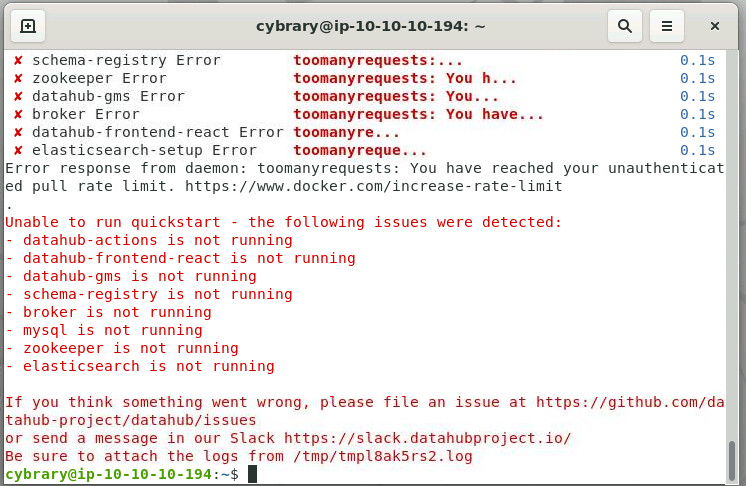
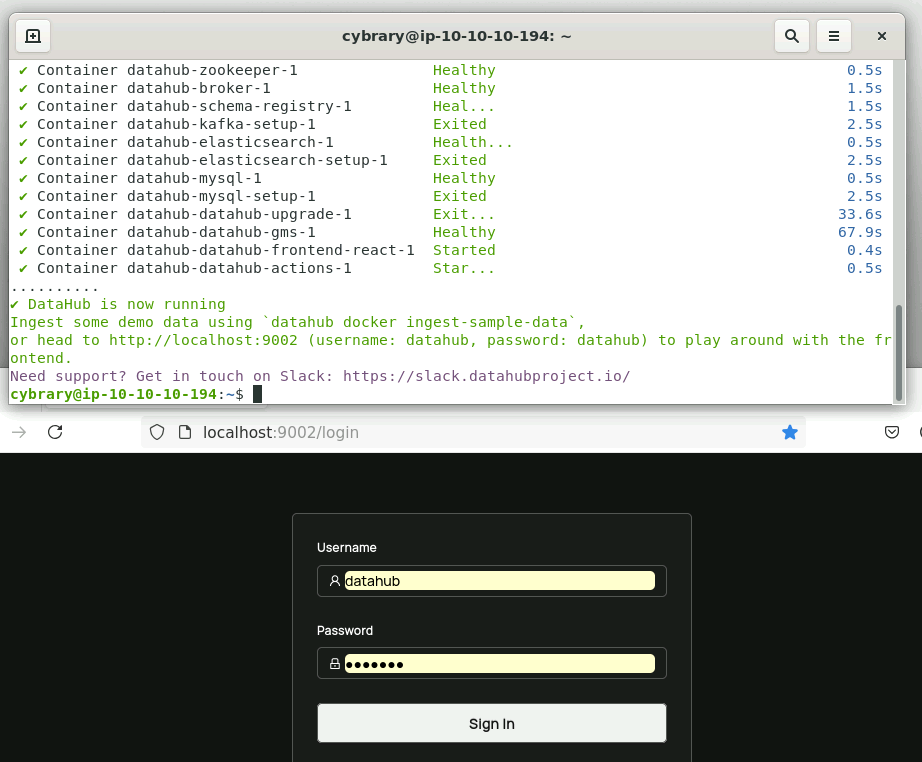
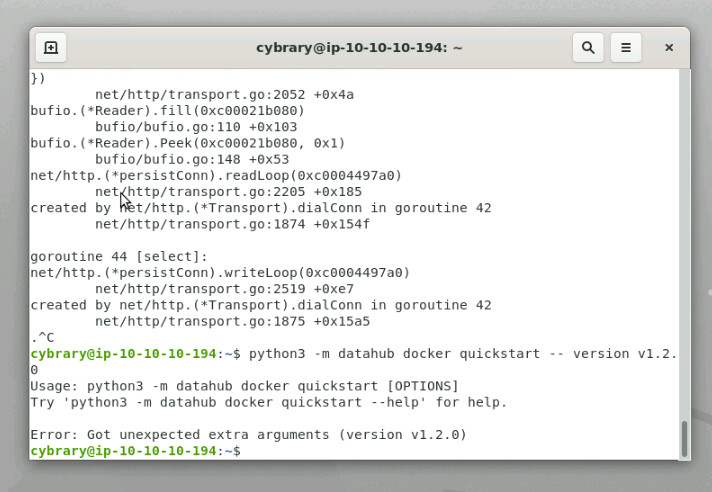
I am stuck on the final lab of the Security + course. I have repeatedly tried to start “Datahub Quickstart” and it continues to fail to load it. Can someone help with this?
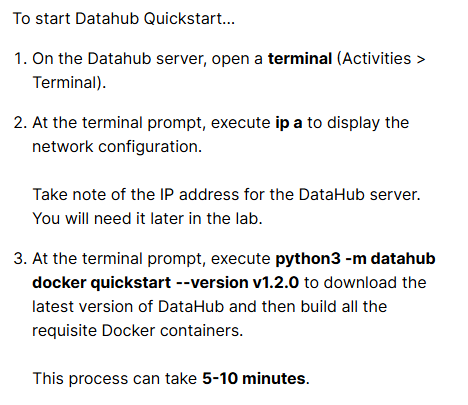
The following directions are: " To start Datahub Quickstart…
On the Datahub server, open a terminal (Activities > Terminal).
At the terminal prompt, execute ip a to display the network configuration.
Take note of the IP address for the DataHub server. You will need it later in the lab.
At the terminal prompt, execute python3 -m datahub docker quickstart to download the latest version of DataHub and then build all the requisite Docker containers.
This process can take 5-10 minutes."
The lab is for 1.2 guided exercise in the Data Classification section. It is preventing me from answering the final lab question: 4. What is the link text found under Applied to when you search for the Sensitive tag?
Since I am the lucky person, would I be able to get the freebee answer to question 4? I have read through the lab, I just can’t physically do it. If not I understand, just pressed for time. Thank you!
It’s been a while, so I do not recall if running Datahub from the Windows Machine is material. If it’s not then you could run Datahub from the Datahub server using http://localhost:9002 but you can’t do this from the Windows server. You need to also connect Datahub to the Maria database on the Windows server which may not work from the Datahub server.
The lab as written has you doing the Datahub work from Windows.