I hope someone can help me with a problem that was encountered in a lab labled as IP Addressing Basics 1.2 Guided Exercise. I statsrted the lab and waited until it came up then followed the instructions on Getting Started and once I hit enter on step 2 I had recieved error messages and the screen shot of the message is a attached to this topic. Any help would be appreciated. Thank you.
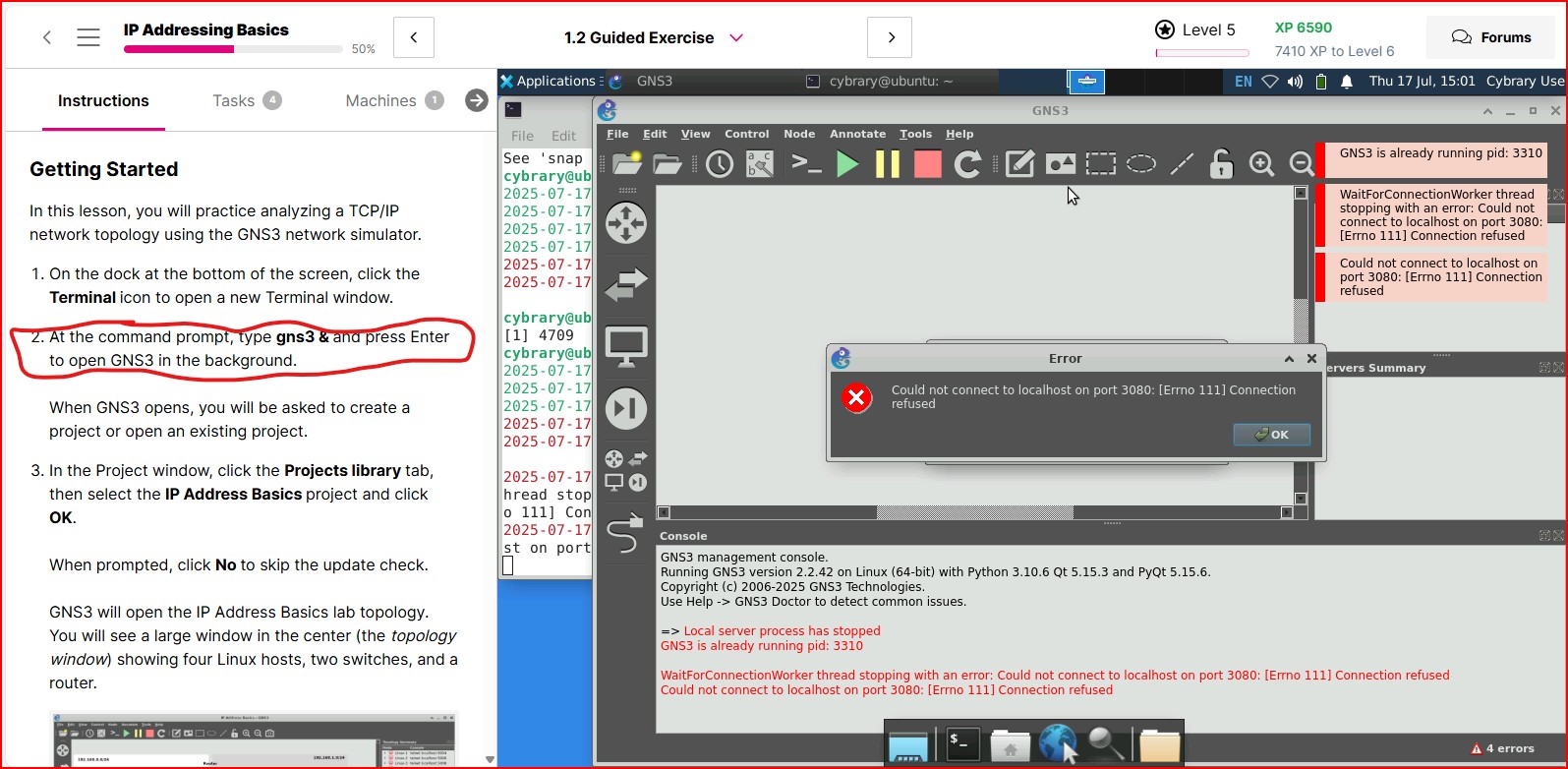
Based on your screenshot, it looks like you may have tried to run GNS3 twice?
I just tested the lab and it seems to be working correctly.
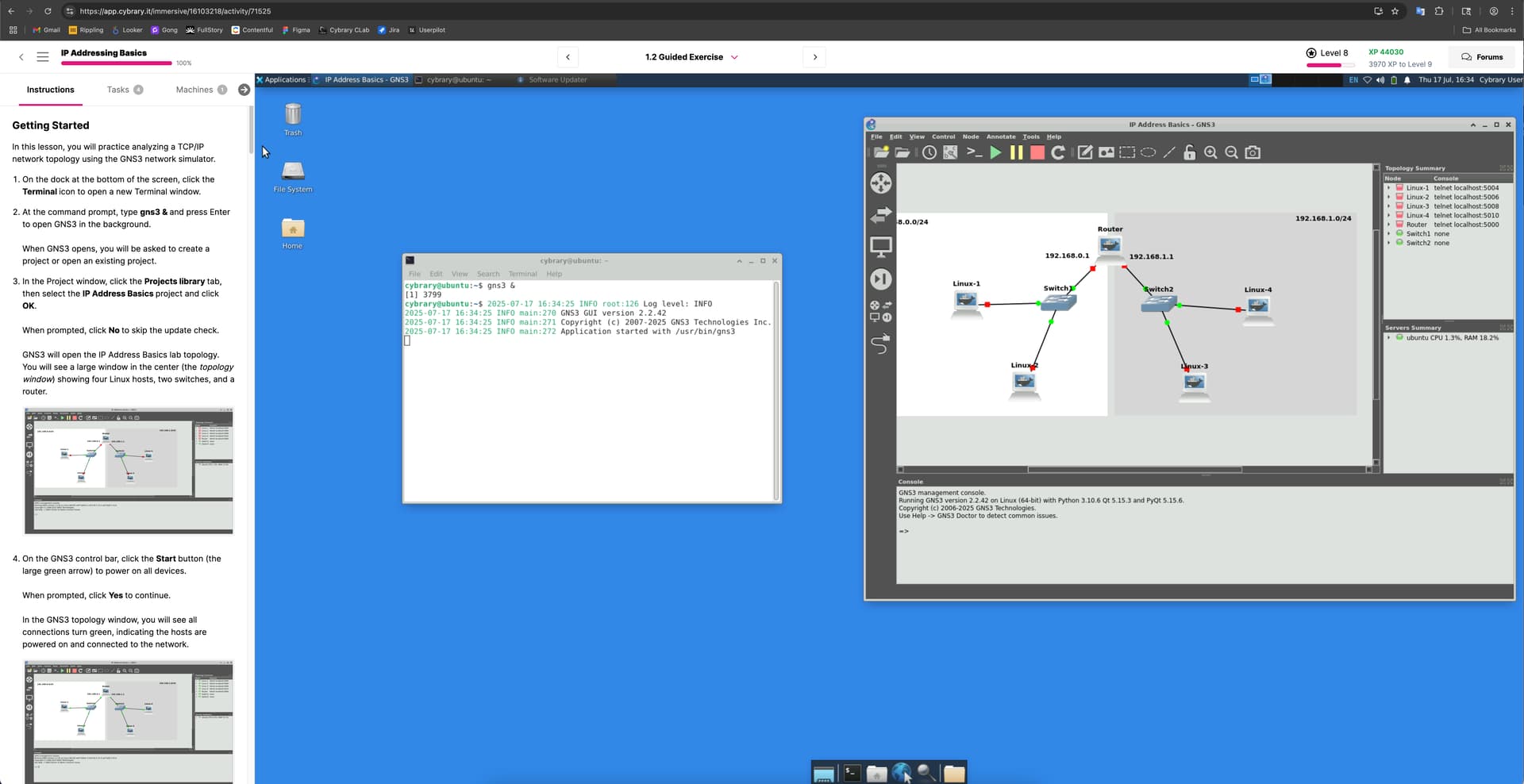
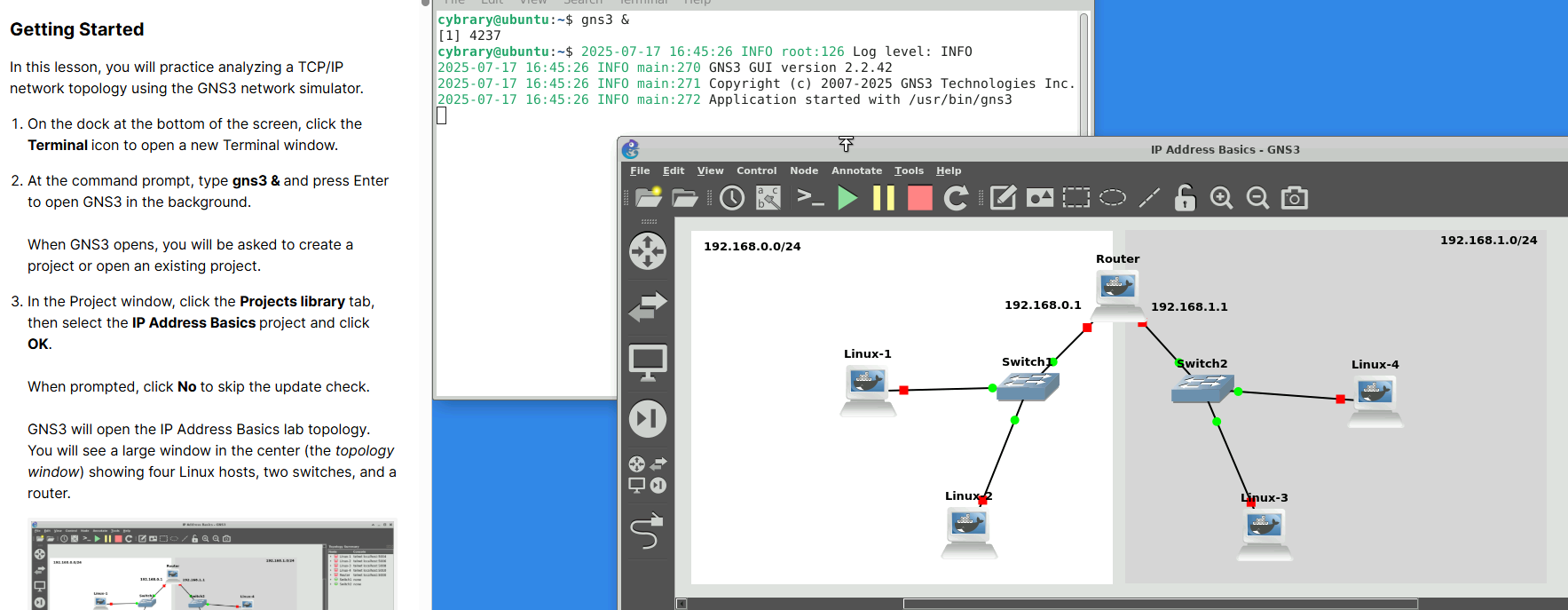
thank you, I’m fixing to login and see how it goes.
thank you for your help. The admins must have caught the issue with that particular server running the labs. 
1 Like
Nope - we didn’t change anything
1 Like
It’s possible the cloud instance you were on had an issue, it’s rare but not impossible. Relaunching the lab is always a good first step if you get stuck for any reason. Errors that are persistent across multiple attempts may be lab related (as opposed to cloud instance related).
I got that with the network issues which were rectified by restarting the lab but on Part two on step 3, where I need to fill out the form it will not expand on the form to allow me to click the target. On an issue like that I will need to reestart the lab again??
Ok… I have finaly figured out the issue it is where my actual browser for my system that I am interacting with the lab needed to be adjusted to full screen and reduced from noramal zoom to 80% in order to view the form correctly. I did notice there was a note pass the step about this issue but it was not written very clearly on which browser. Thank you all for your help by letting me know it wasnt on the server side for the lab.
1 Like