1.1 Public Service Announcement
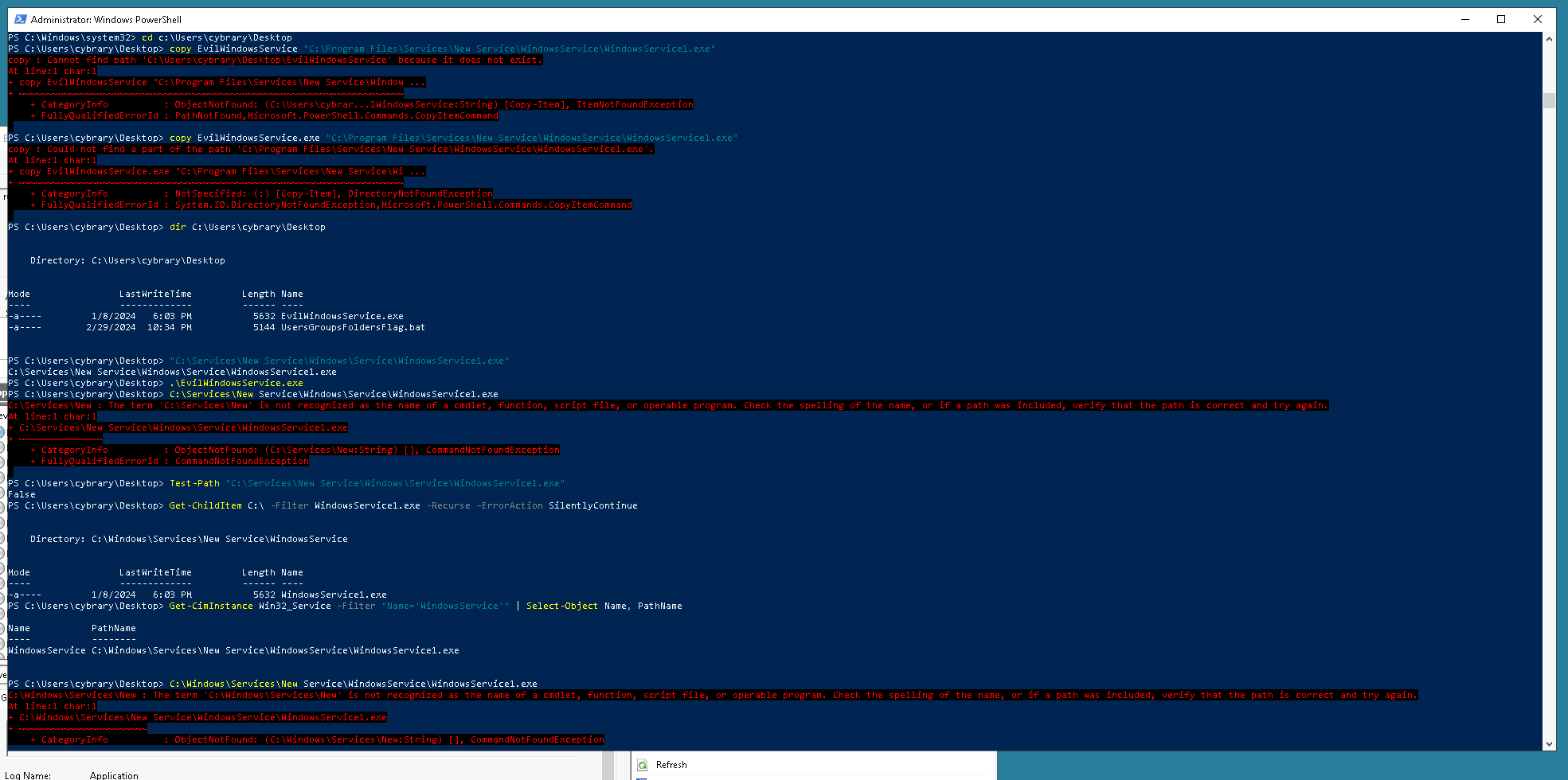
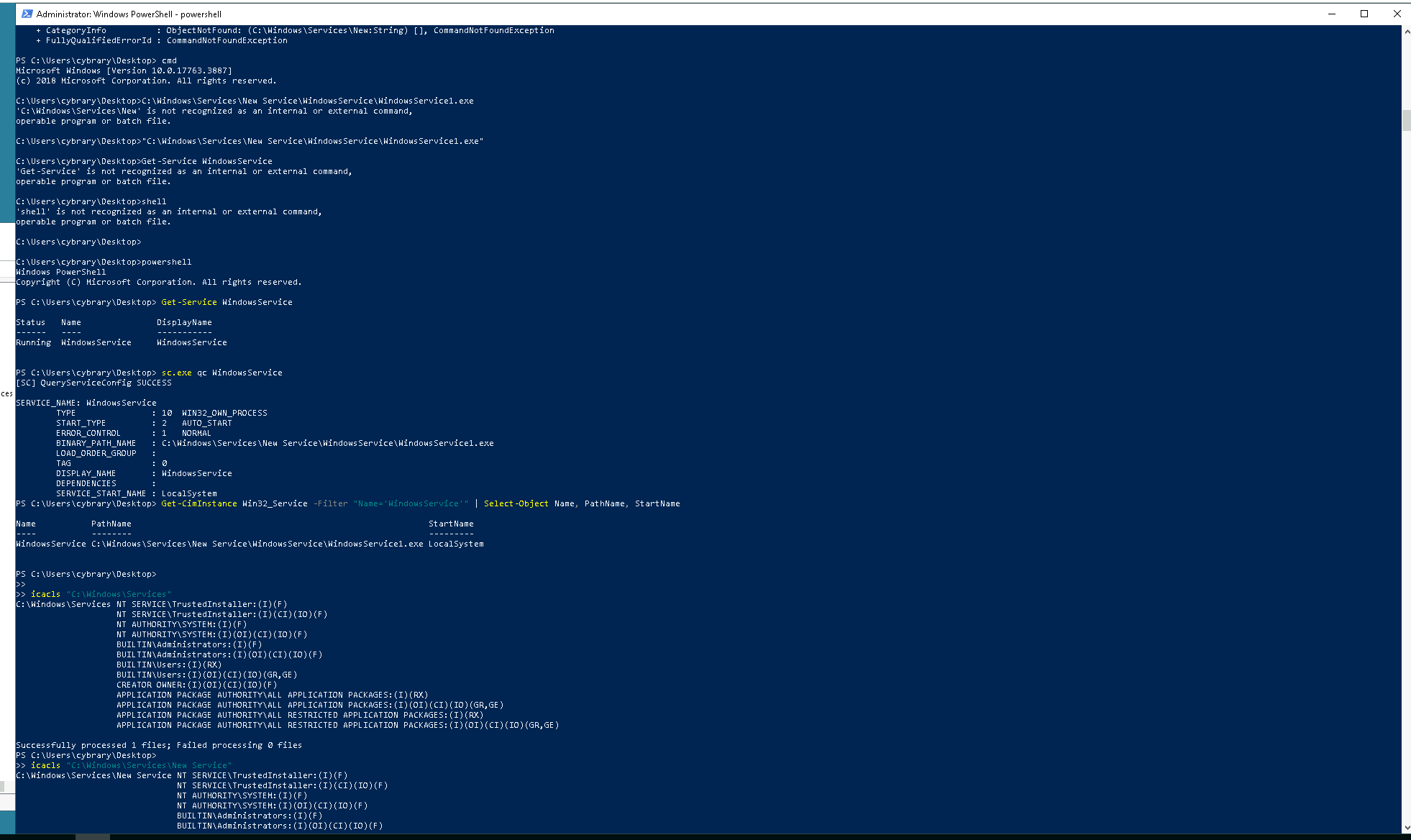
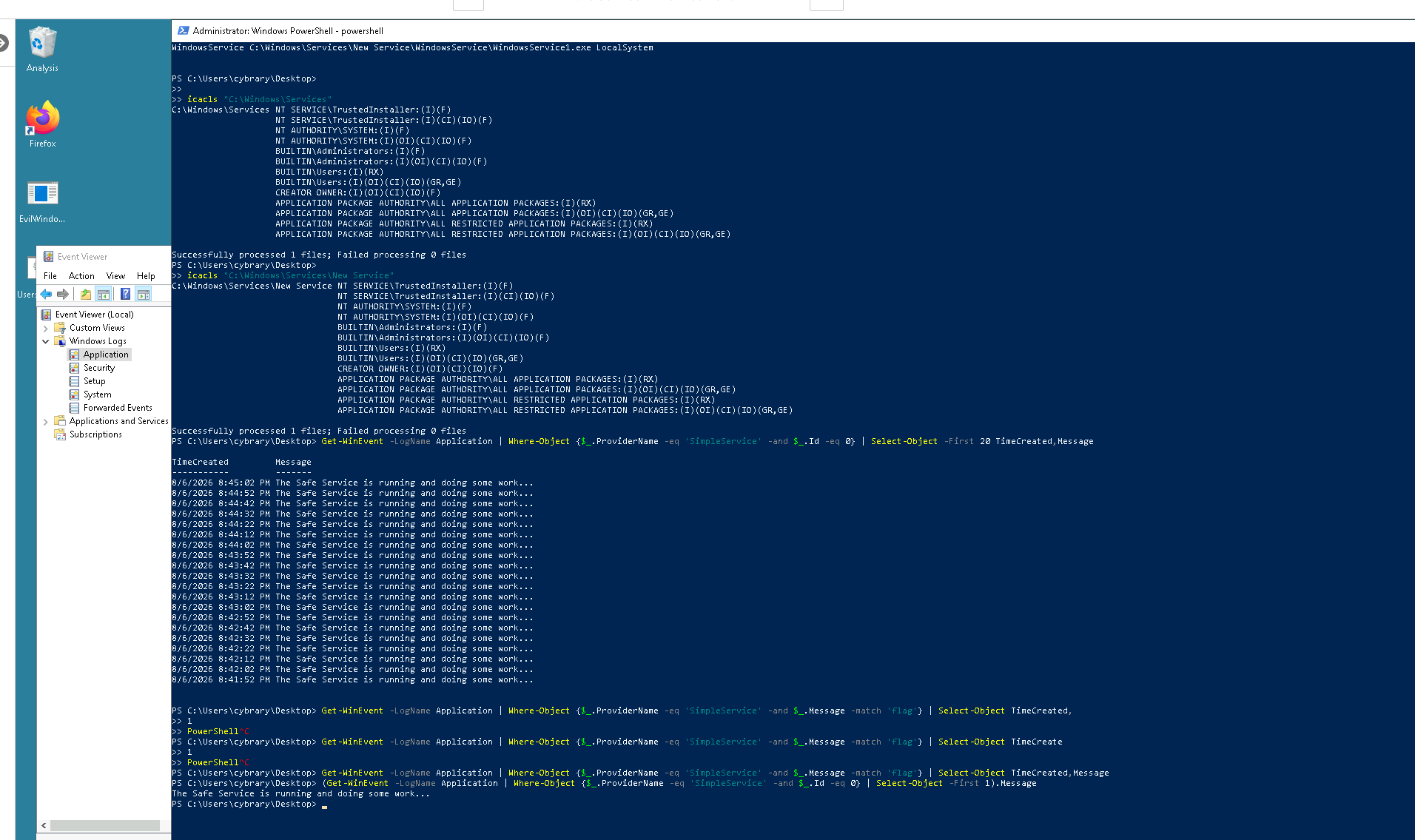
I am having a very difficult time understanding how to find or even where to look for the challenge of an Unquoted Service Path and then run an exe file. I thought I had it but the exe file did not anything I could see. Please help. Thank you
Brian,
Before attempting Public Service Announcement have you run through this lab:
The first task is to find a vulnerable service which is a service with an unquoted path, for example:
Not Vulnerable:
C:\System\NewService\MyService.exe
“C:\System\New Service\MyService.exe”
Vulnerable:
C:\System\New Service\MyService.exe
Notice the vulnerable service path has a space and is not quoted. When windows goes looking for MyService.exe is will first try to run C:\System\New.exe which does not exist.
But if you have your own service, say evil.exe, you could copy it to C:\System\ as follows:
copy evil.exe C:\System\New.exe
Now when the service associated with MyService.exe restarts, it will run New.exe which is a copy of evil.exe.
This is all explained in the lab noted above.
You use wmic service get (plus some other things shown in the lab) to find a service with an unquoted path.
Give this a try with what you learn in the Windows Services lab. I will tell you the command used in that lab to find unquoted paths will need to be modified a bit for this one, and I can help you if you get stuck.
Thank you for your help. I did actually go through the Services Lab. I did make one very frustrating mistake I was using the steps from the lab and renamed the service. Took me some time and a restart to figure it out but I got it. Thank you again