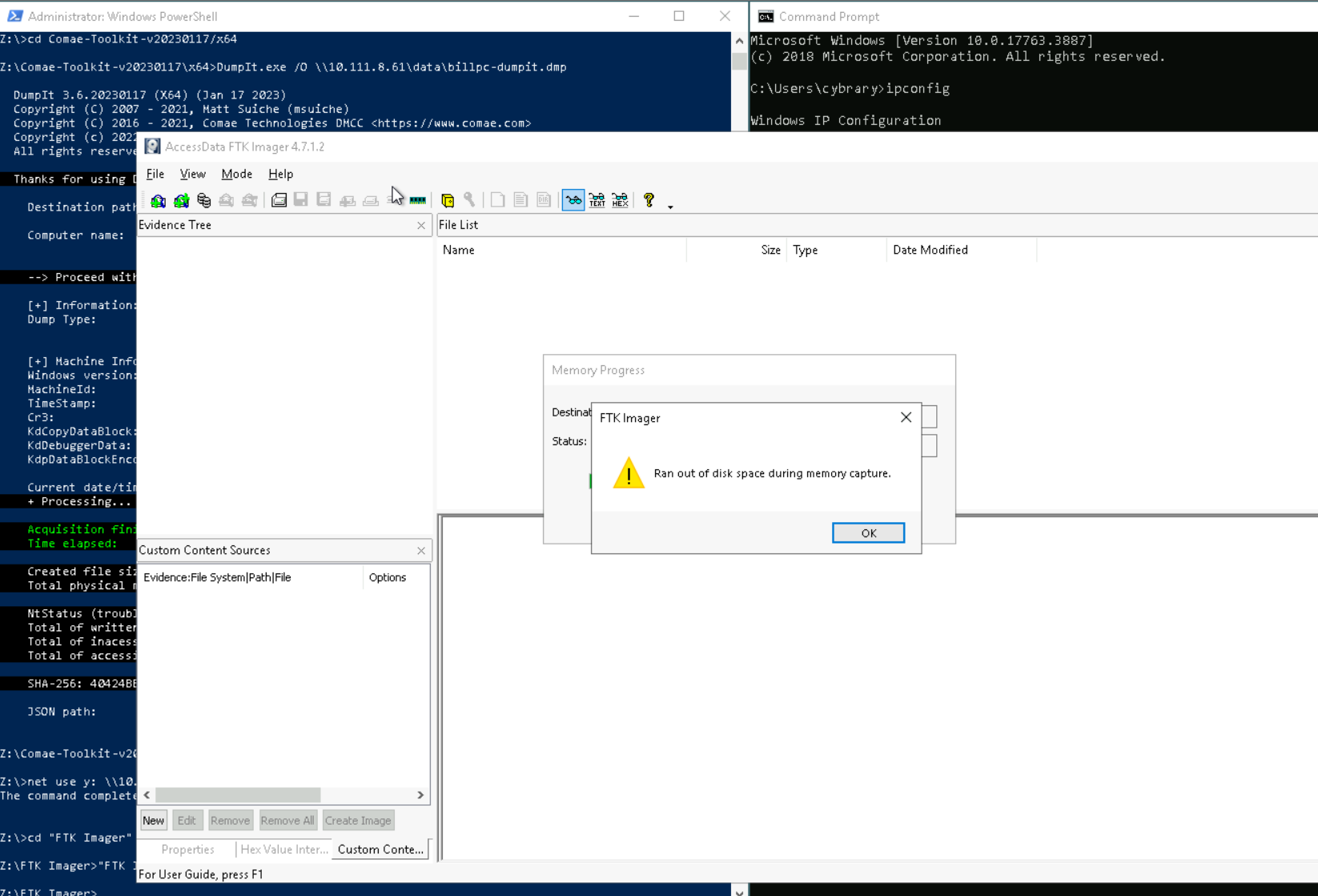
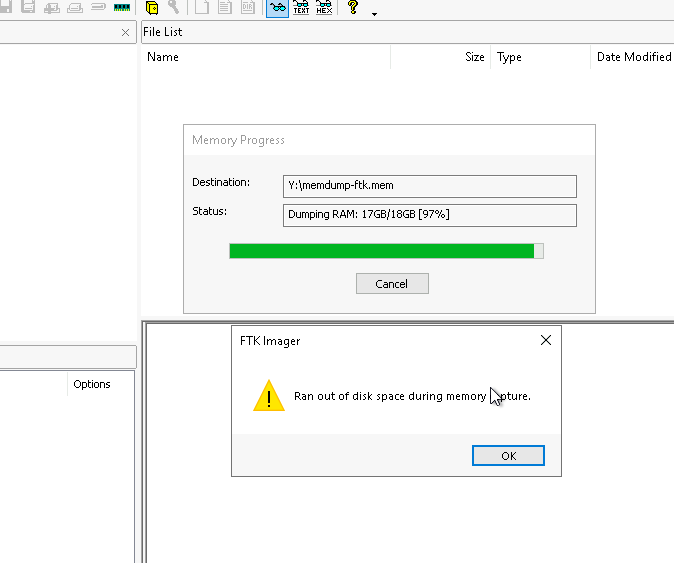
After several restarts and double checking inputs I’ve reached this error message in the lab. The instructions say nothing about it.
I’ve tried to progress pass this and just assumed it was normal but the ending file sizes asked about in the tasks tab are incorrect according to what the tasks are asking for. I think this is disk space issue is poisoning my results later on because even though it makes a file it’s malformed/incomplete, or doesn’t react to some instructions like it should. I’d like some assistance in this matter.
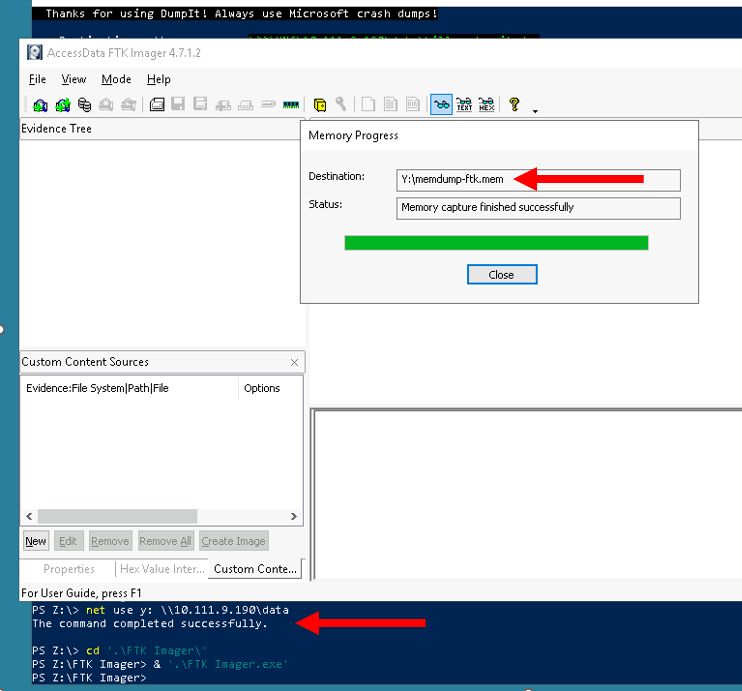
Be sure to map the Y: drive to the data share on the Analysis system, and be sure to save the memory capture to the Y: drive (as shown below)…
I did make sure it was properly mapped, this did not solve the issue.
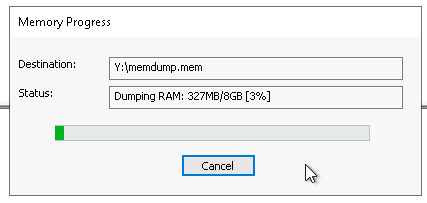
Are you trying to capture the pagefile as well? Your memory capture is so much lager than the one I did.
I just tried another capture, and even with pagefile selected it was only 8GB.
I’m not sure why your memory capture is 18GB.
Dumb question, but you are on Victim when taking the memory captures and not on Analysis? I note that Analysis has 16GB which when I try to capture using FTK looks like 18GB.
I have made sure I was on the Analysis Machine and have no additional options selected for capture. It’s copy and pasted as much as possible from the instructions just so I can have no deviation from that. Still pulling 18gb of a capture.
If you are taking the memory capture on the Analysis machine then that’s an issue.
Note Step 3: From the Machines tab, connect to the Victim machine.
The Victim machine is “Bill’s PC”. We are taking data FROM Victim and putting it on Analysis. We map drives Z: and Y: ON Victim TO Analysis.