The flag for this exercise is impossible to get. There is no Rule ID (92653) in the security alert section and no Type 10 logins in the last 24 hours.
I just ran through the lab, and it works as written. If you are not seeing any login alerts, be sure you have tethered Windows to Wazuh correctly. Note the lab flag is merely checking that the local_rules.xml file is edited correctly:
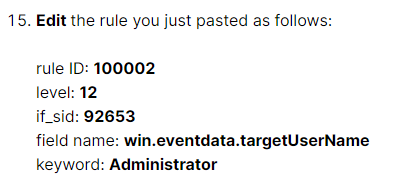
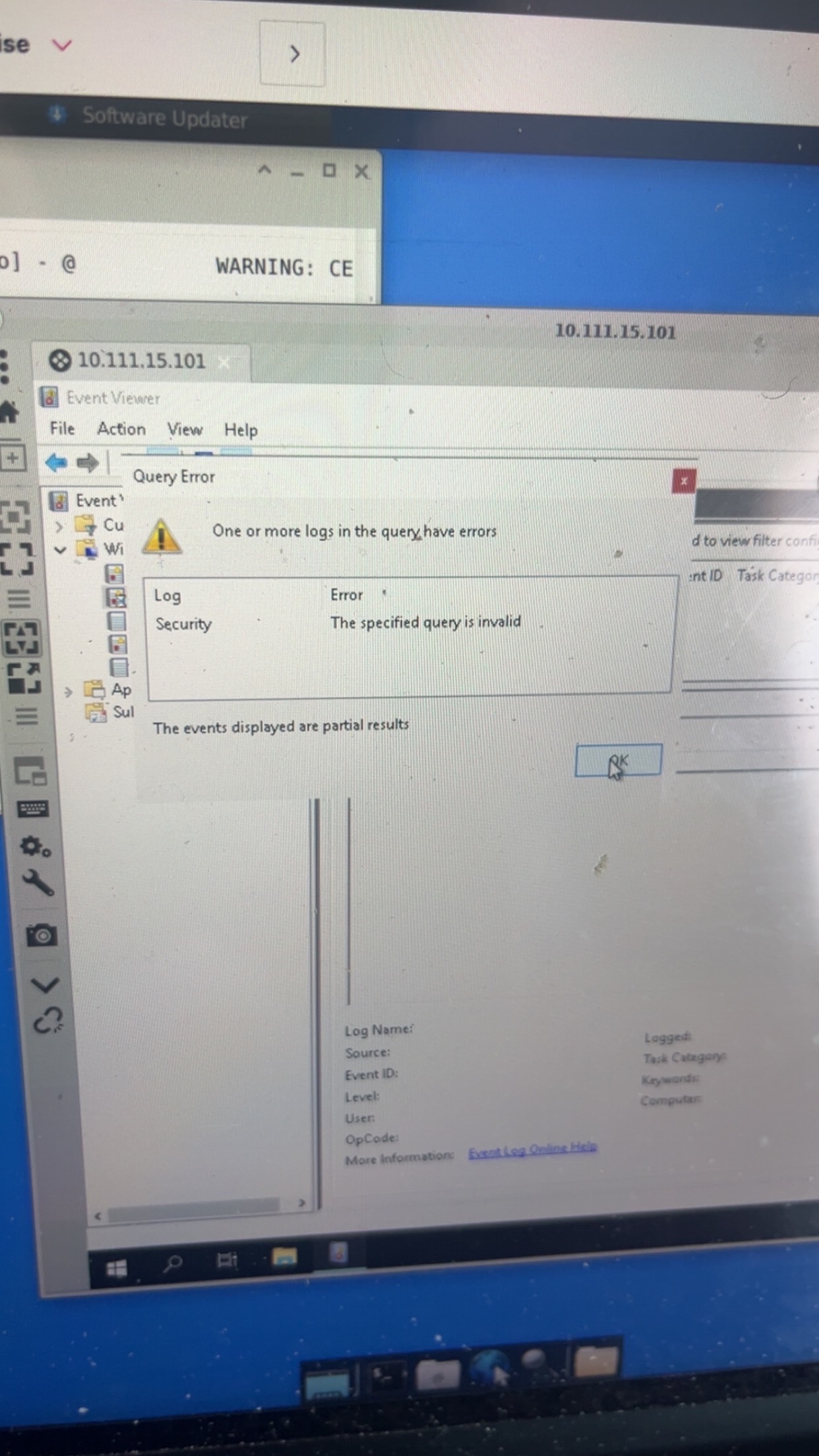
Can we see the screenshot of what you entered in the query field?
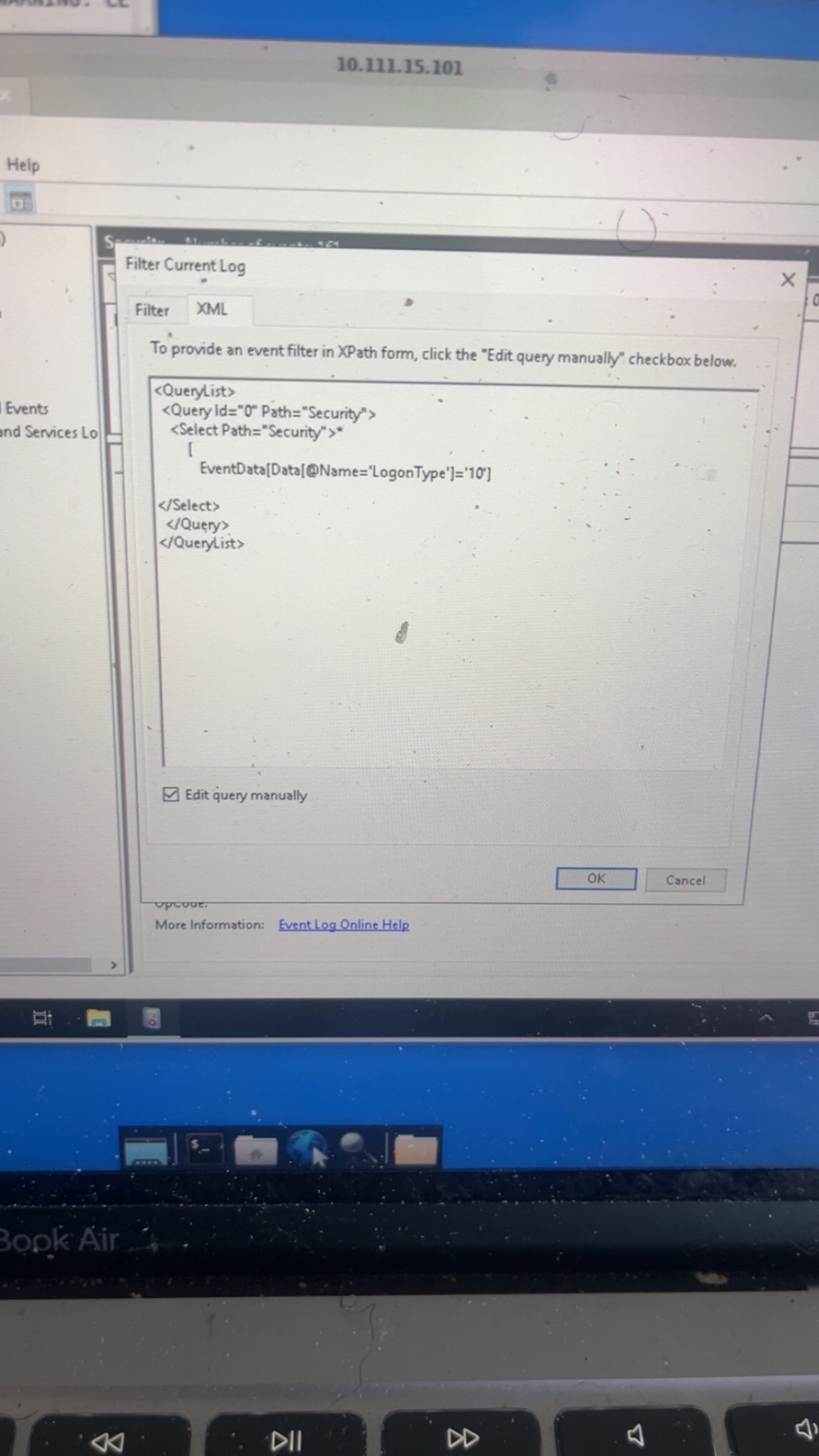
Looks like you’re missing the last bracket. I would compare your XML Filter against the screenshot at Part 1, Step 14 - you should see the missing bracket right about the closing Select tag.
And I’m also having trouble finding the Administrator RPD Login Event
What results do you get after you apply the filter that limits the event viewer logs to Logon Type 10 events?
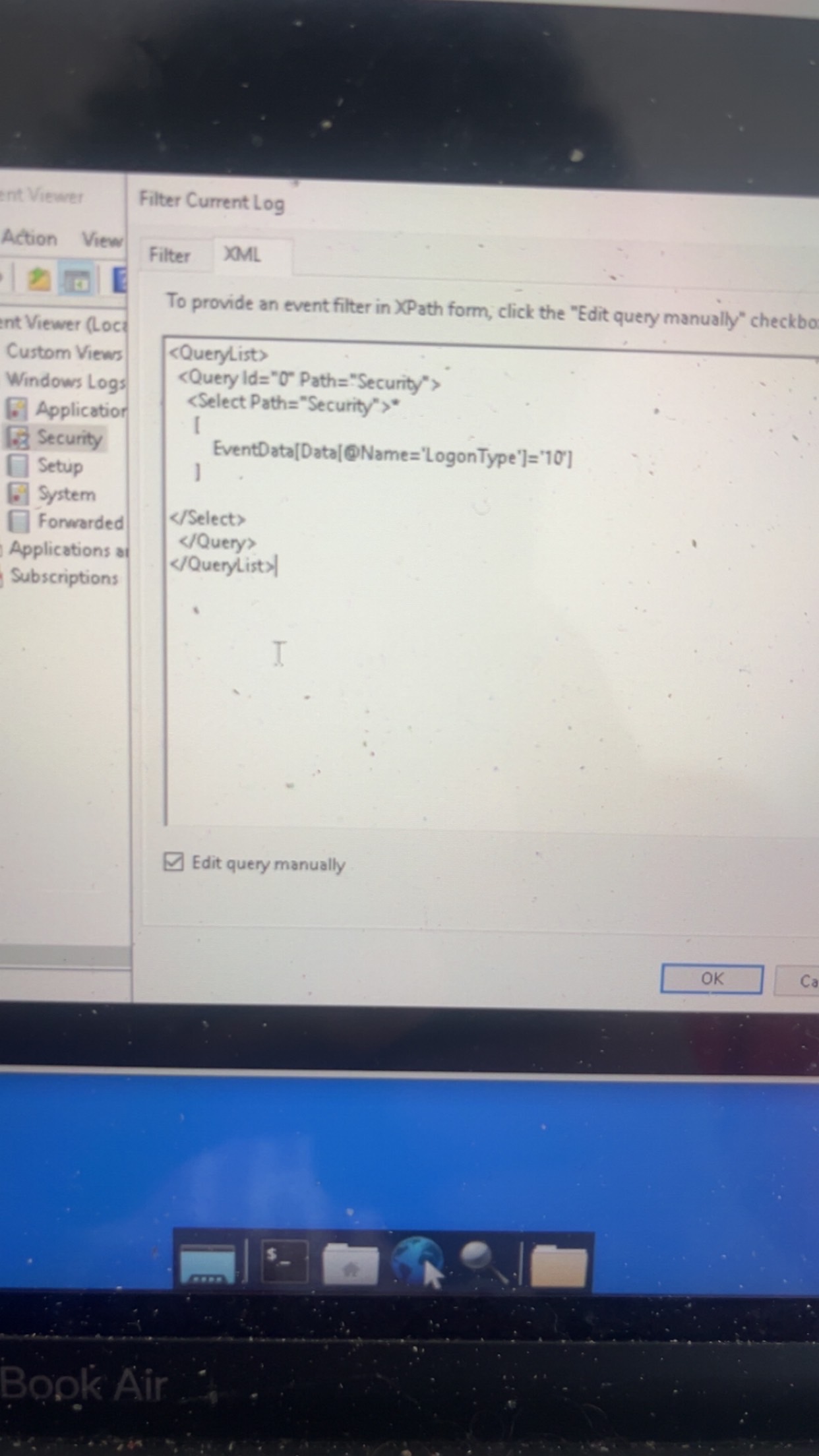
So that’s the filter query. We will need a screenshot showing the results in the Event Viewer after applying the filter.
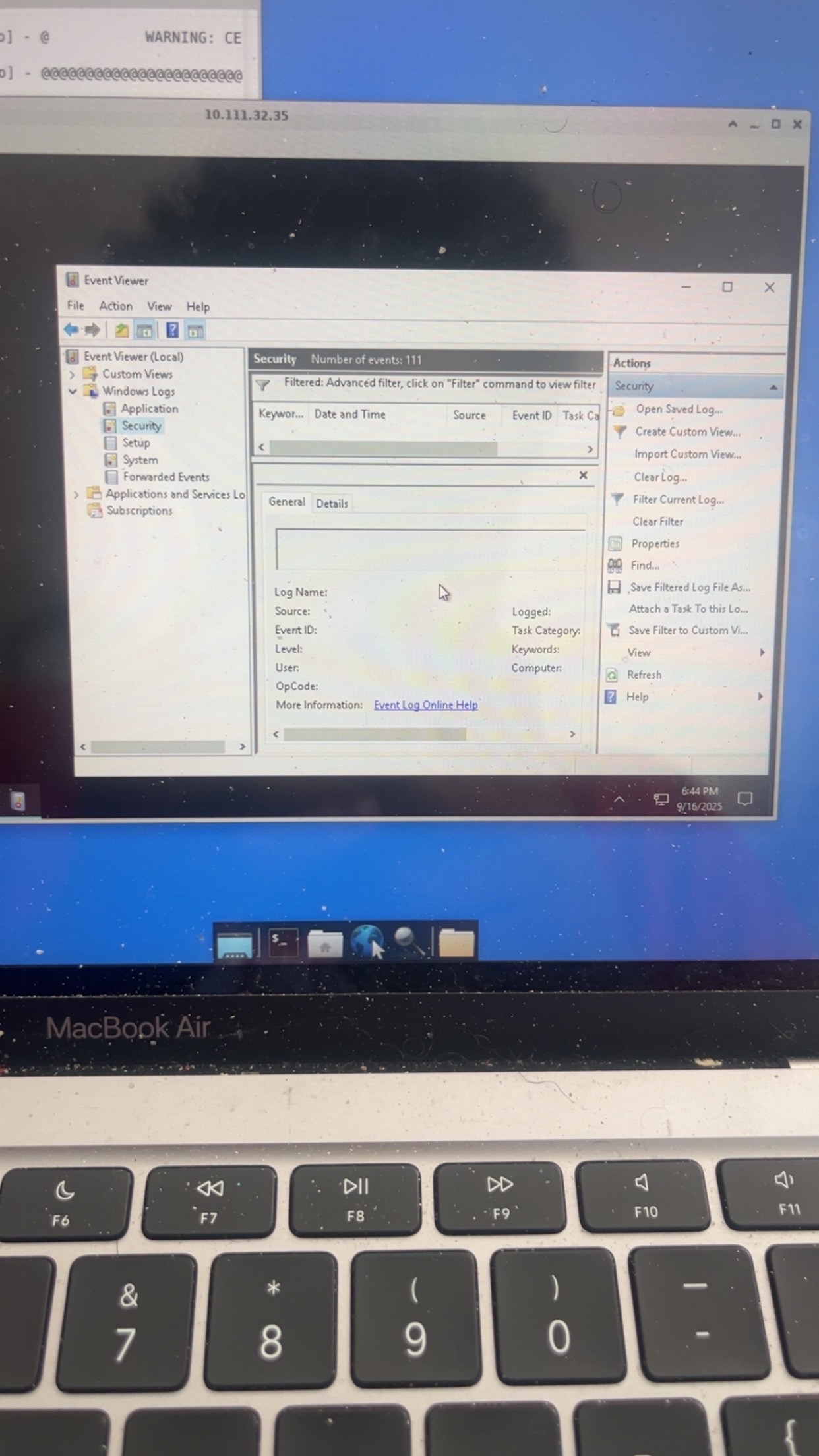
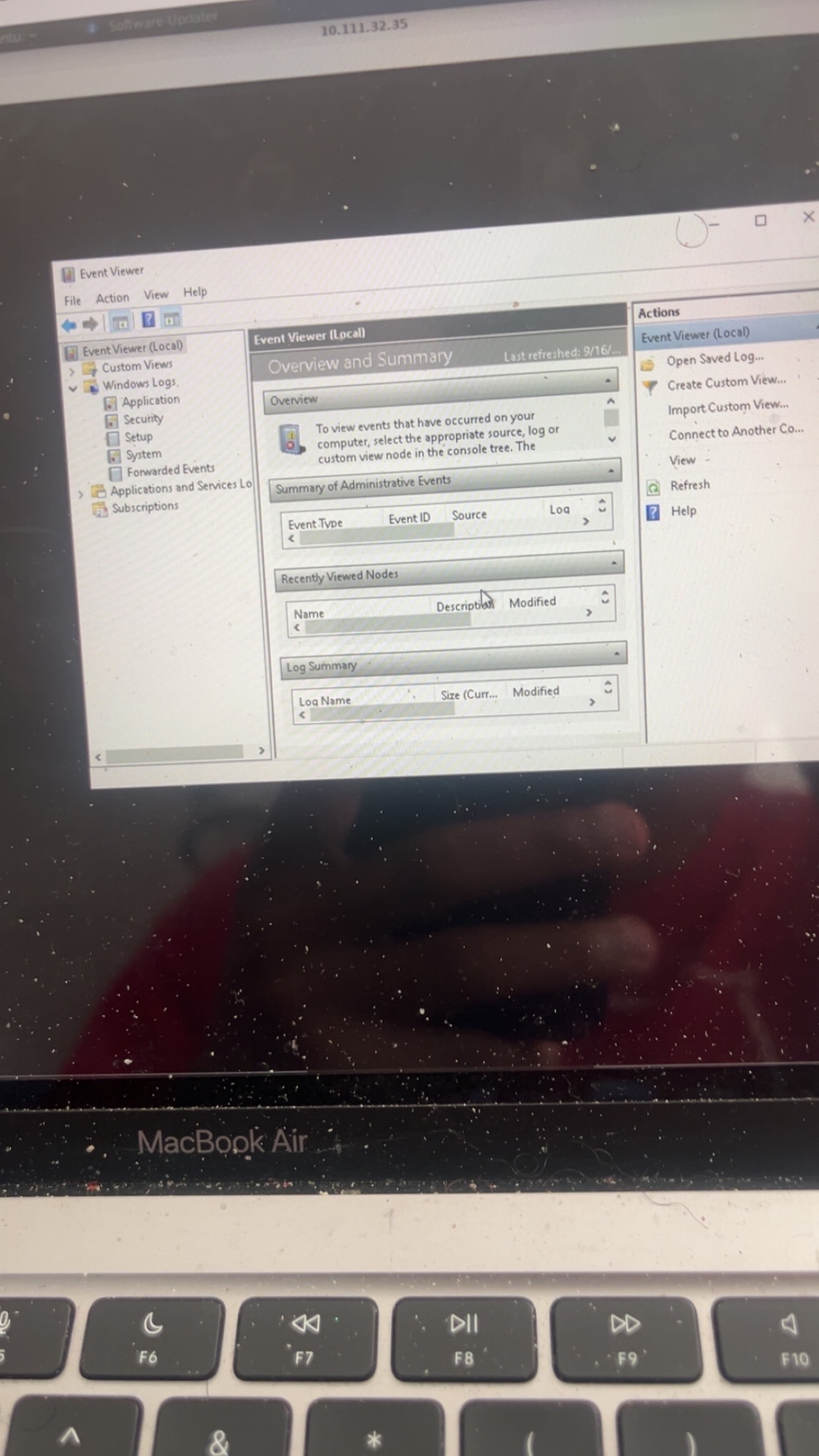
You’ll need to maximize your window and return to the Security log.
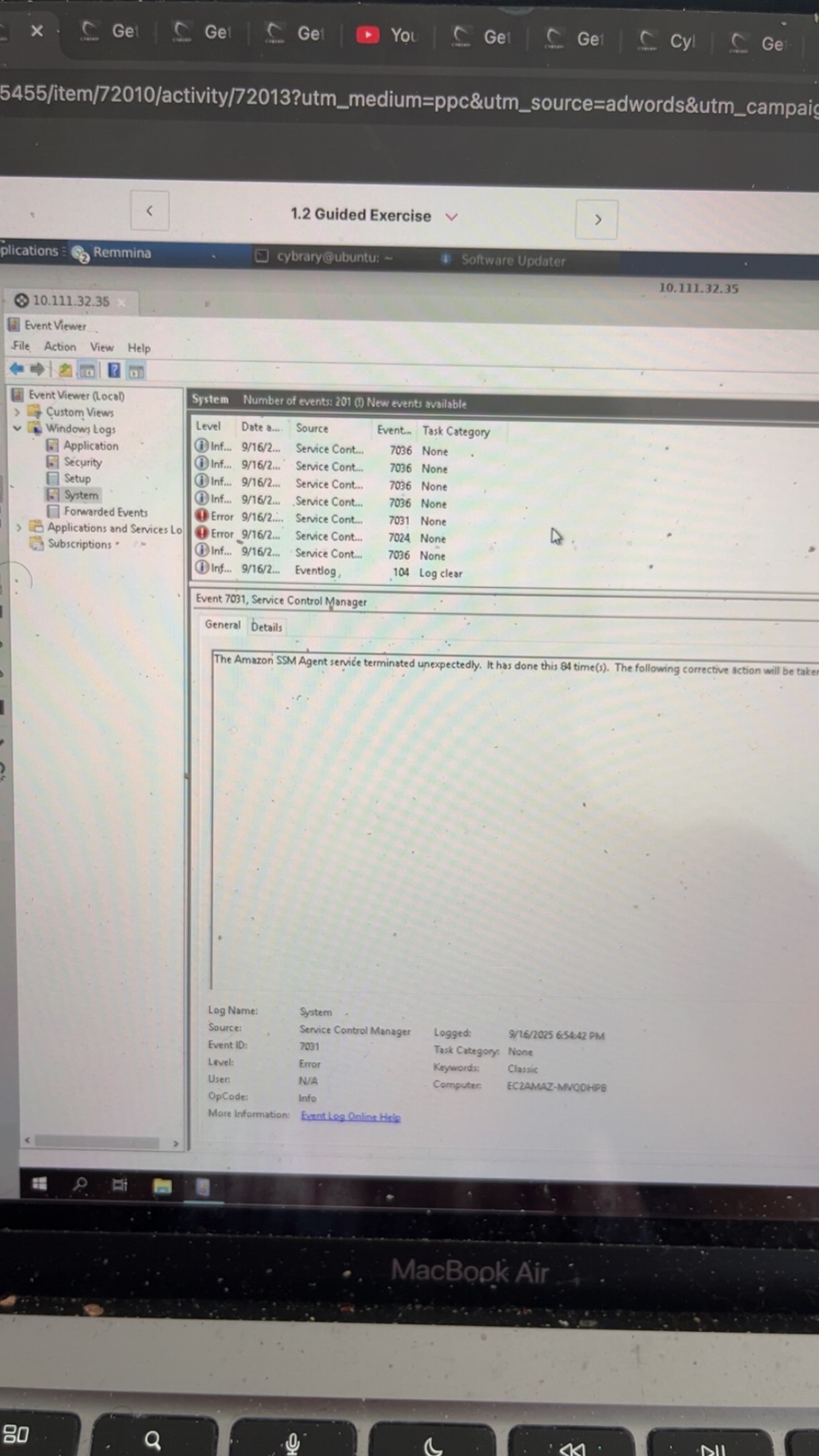
Never mind just had to open my eyes
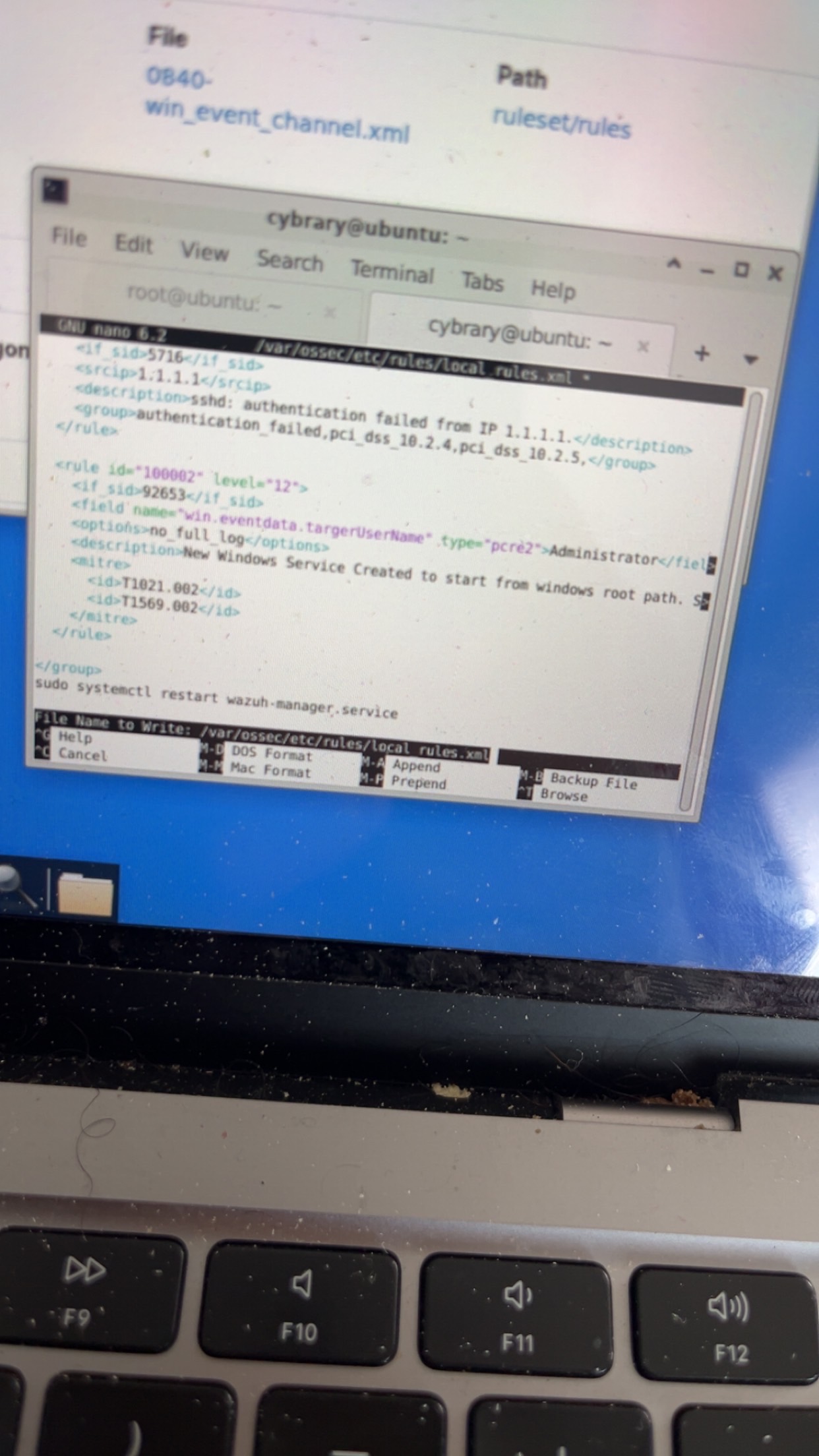

"In nano, press CTRL-o to save the new local rule.
When prompted, press Enter to keep the same file name, then close nano using CTRL-X."
Did you press Enter? If you read the on-screen prompt at the bottom of your photo, it’s asking you to confirm the file name to write.