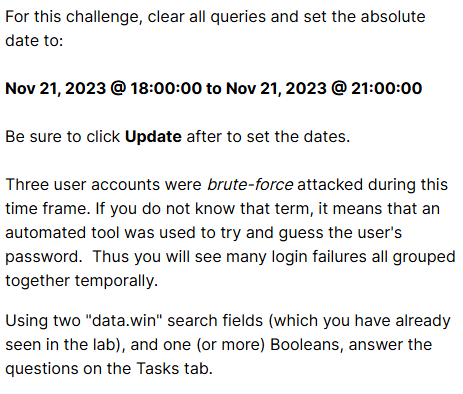
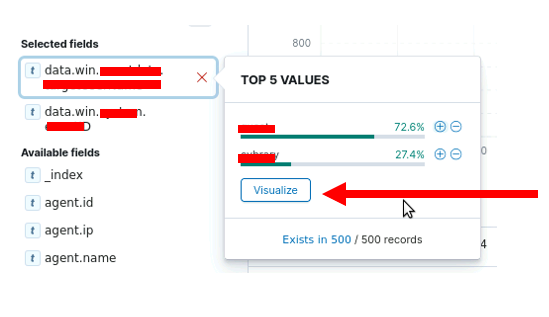
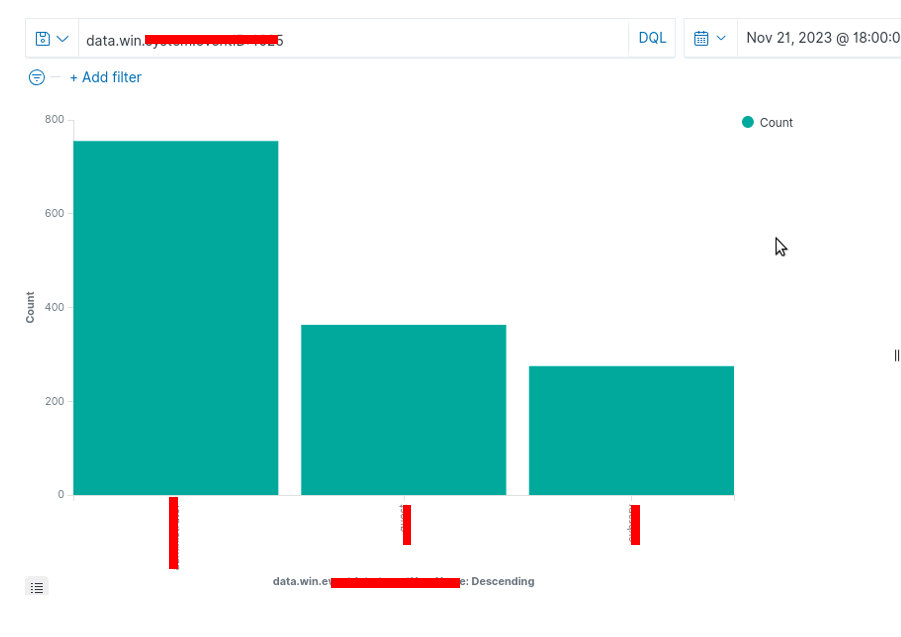
Hi, if you can follow through with the steps in guided exercise you will find the answers in wazuh.
Look at step 11 …
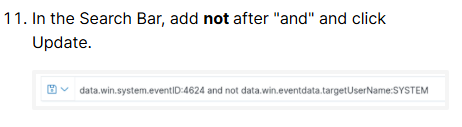
So first you want to look for login failures, what Windows Event ID is that? Then you want to use AND NOT twice in the query.
So…
1.) First find all login failures.
2.) Then find any name associated with a login failure.
3.) Then look for all login failure but NOT associated with that first name.
4.) Then find a new name.
5.) Then look for all login failures but NOT associated with that first name AND NOT the second name.
6.) Then find the final name.
Note, just because an account has a login failure doesn’t mean there was a brute force attack on that account. However, for this lab, that is an assumption you can make. Also you COULD just find all login failures and hunt through all the records until you find all three names, but you need to be efficient when working a SOC 
1 Like
I’m seeing a similar issue with this Challenge. I think it’s around the filtering. It says to clear the queries and set the time to Last Year. It then says to create a query for a timestamp > 2023. Nothing comes up because it’s 2026. I’ve messed around with dates to narrow it down to 11/2023, but I still can’t get anything to return. Did something get changed?
Yeah, “last one year” is not going to cut it when it’s 2026 LOL. Let me change that !!
I figured, so I just starting working with the start/end dates around 11/2023 and still didn’t find any log entries.