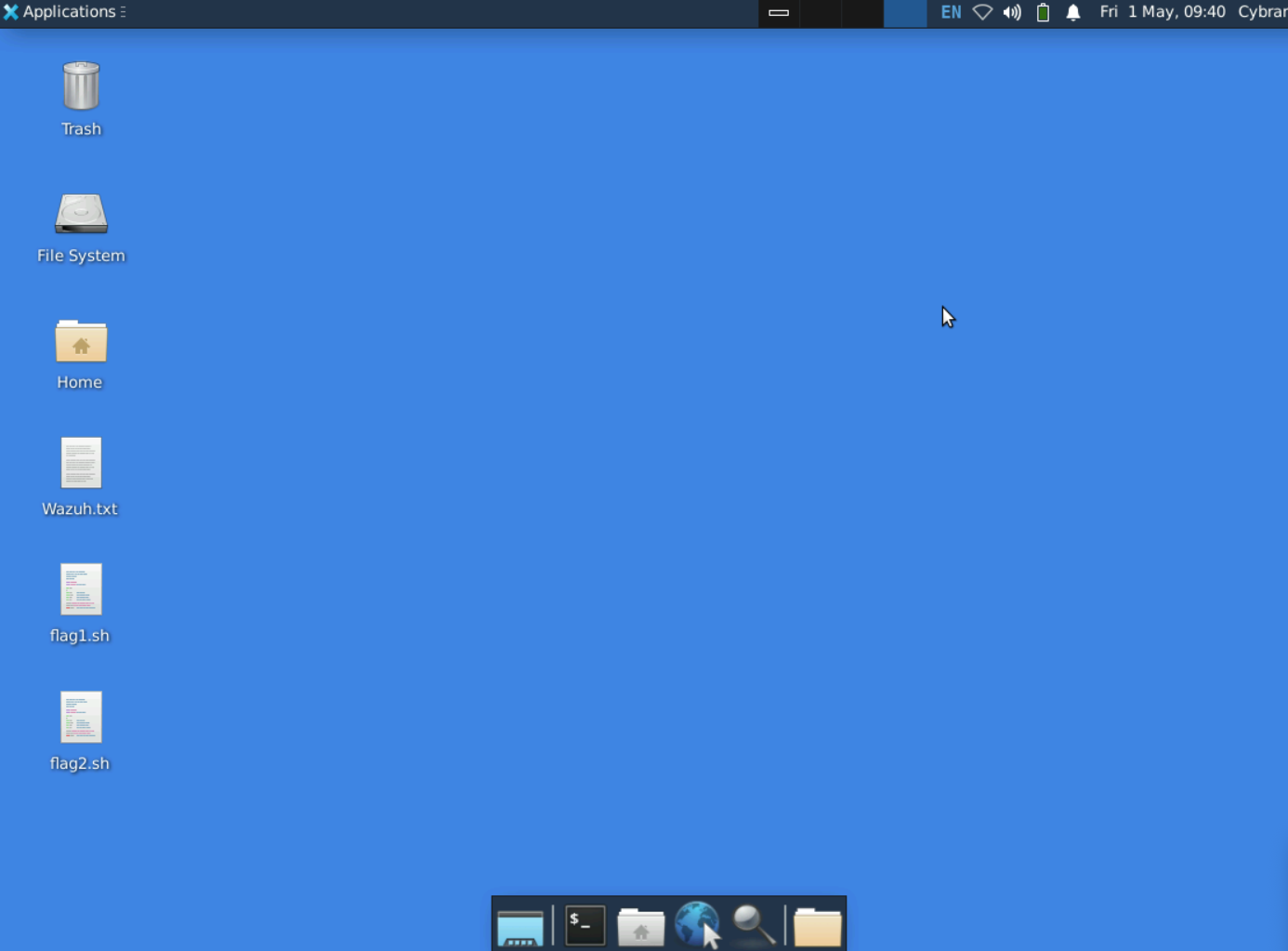
I am trying to start the SOAR lab but cannot find the Wazuh server to open a terminal server for this step:
First, we will connect the Wazuh Windows Agent to the Wazuh server.
-
On the Wazuh server, open a new terminal window.
-
At the terminal prompt, execute ip a to display the network configuration for the Wazuh server.
I can see the web interface but nothing else.
I’ve tried reloading the lab a few times in case it’s not loaded correctly.
When the lab starts you are actually on the desktop of the Wazuh server. Simply open a terminal window using the dock at the bottom (or any way you like e.g. right-click the desktop or use the Applications menu, but the dock is easiest).
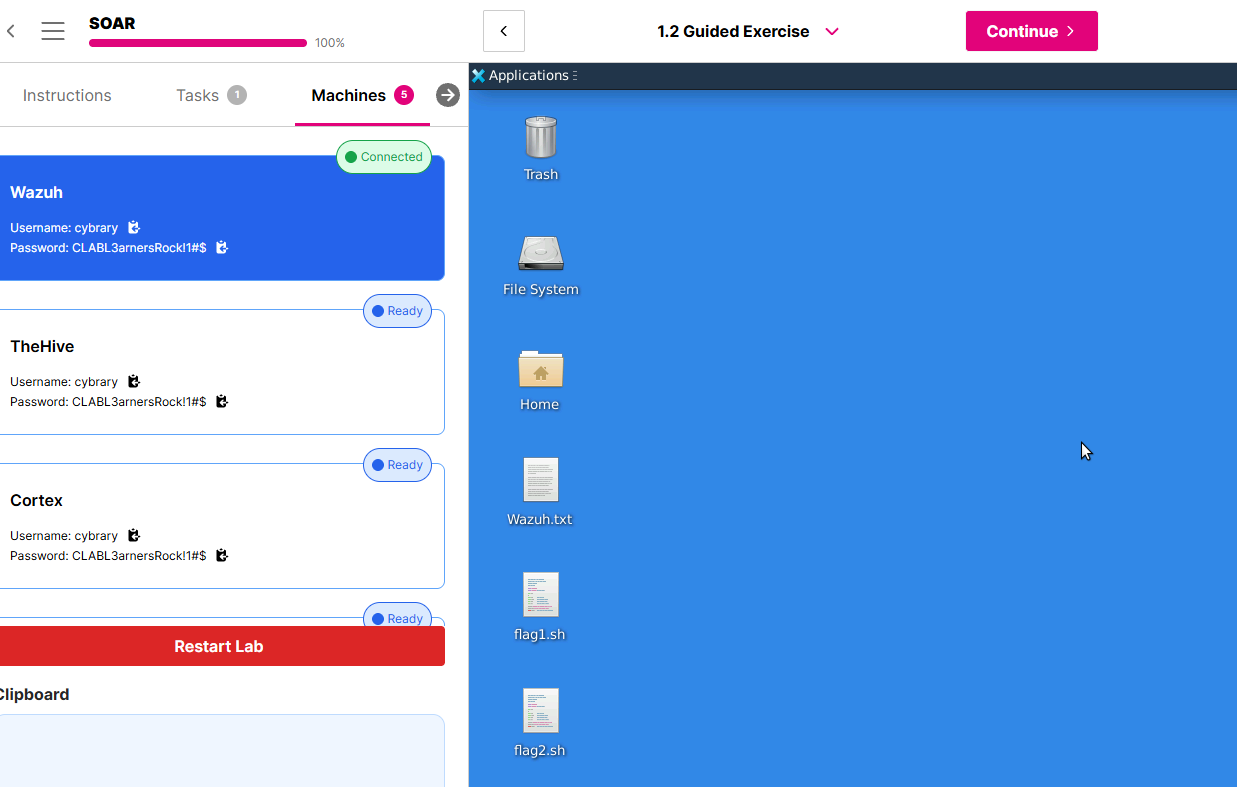
For the record, you move between lab servers using the Machines tab. So if you are not sure which desktop you are on you can always check using the Machines tab.
Notice I am currently Connected to the Wazuh server:
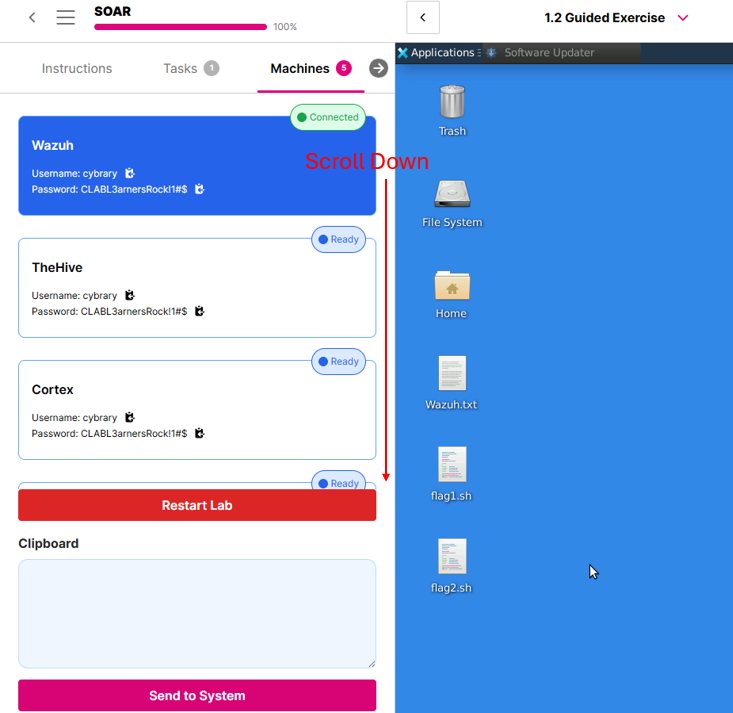
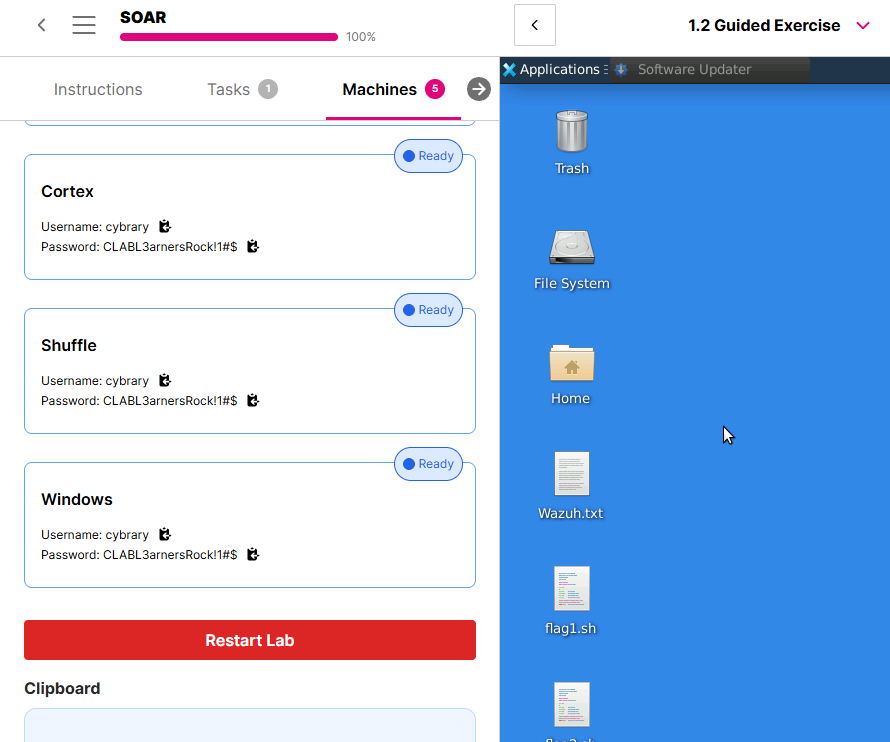
Also, there a a lot of desktops used in this lab. You will need to scroll down on the Machines tab to see them all:
Lastly, this is a LONG lab. Take your time. There are a lot of places one can get lost. You will be moving between servers a lot.
Ah ok this makes sense now! I think the instructions would benefit by having some screen shots to make it clear.
Thank you for the prompt response.