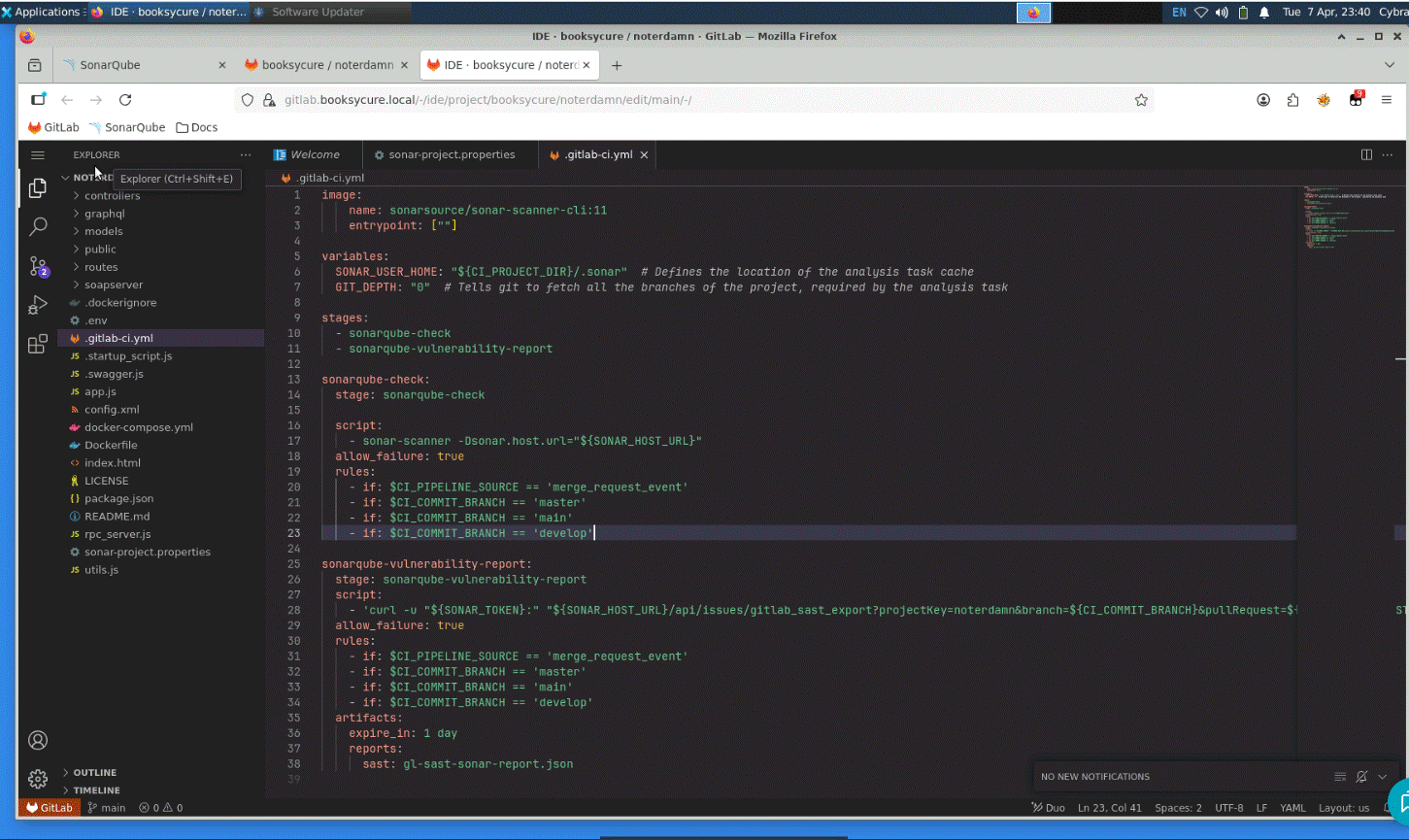
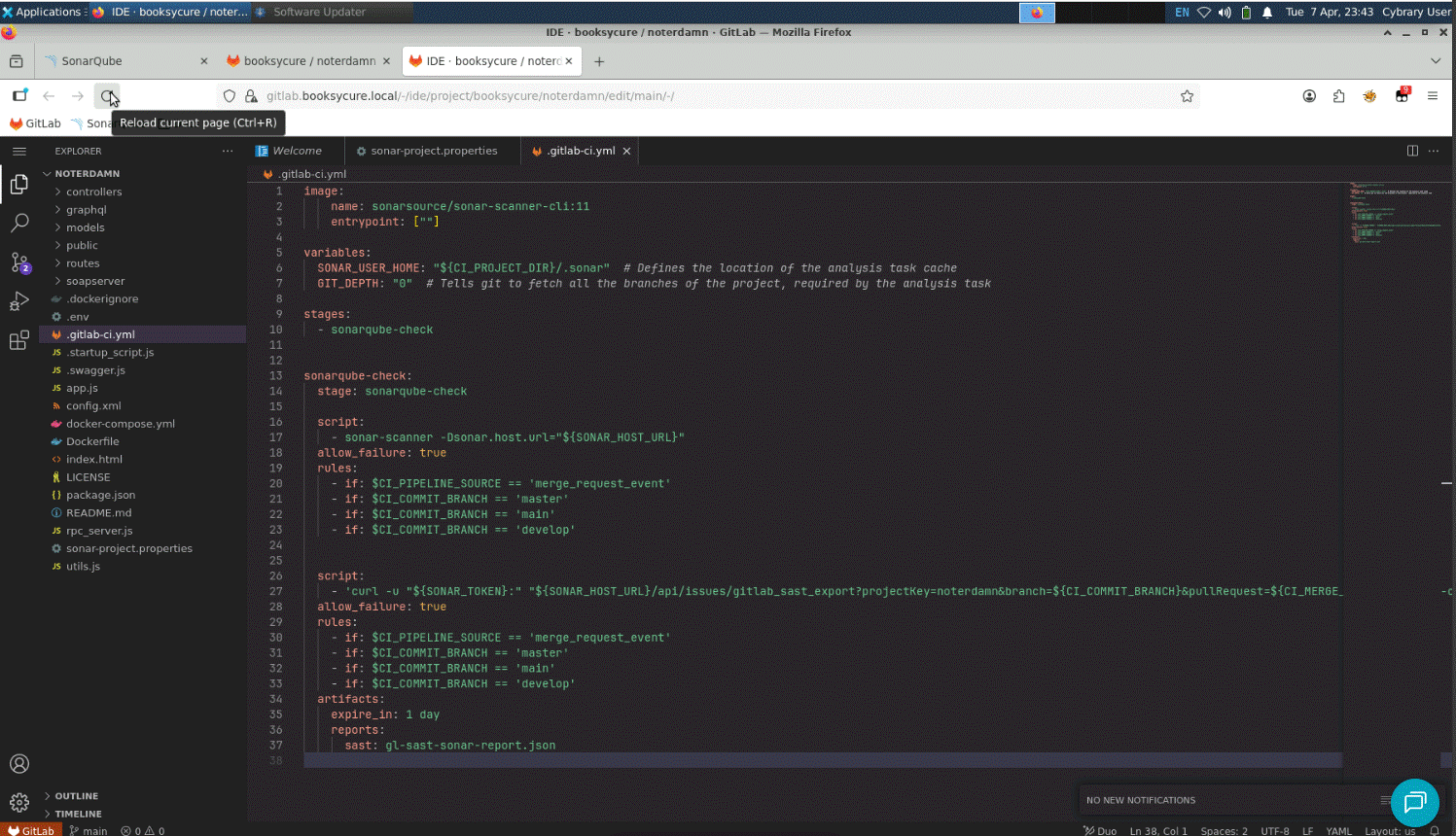
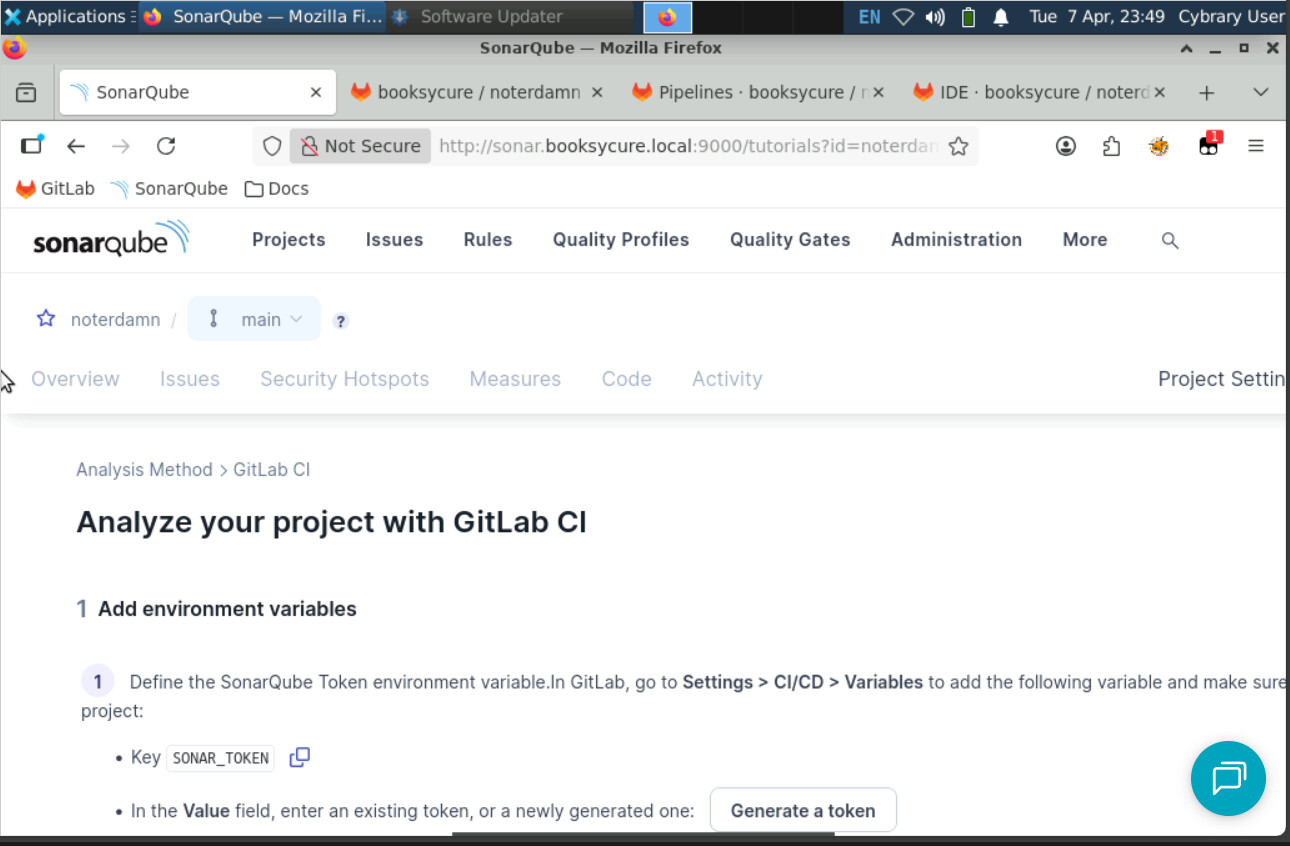
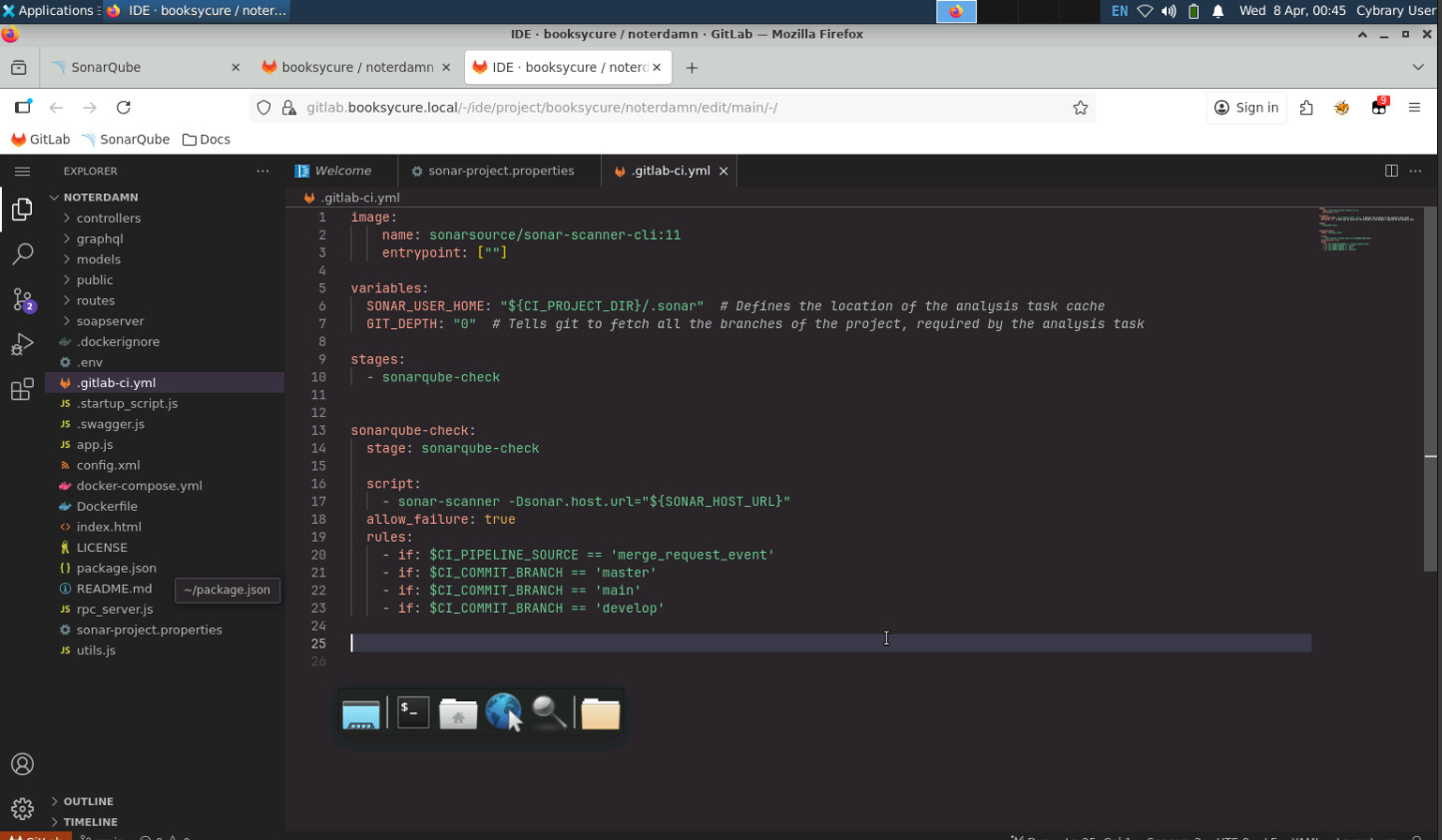
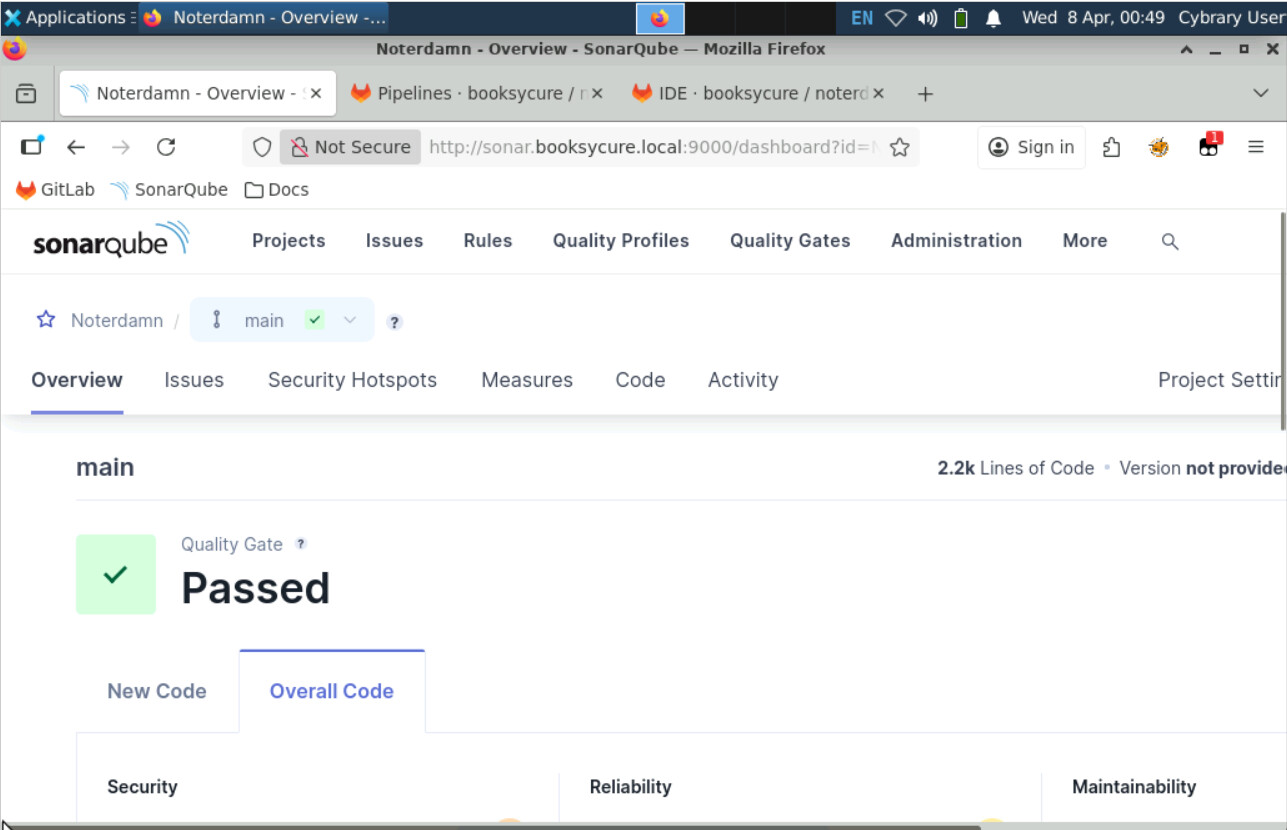
I have restarted this lab 3 or 4 times. I can successfully run the gitlab pipeline, but it never talks back to SonarQube.. So step 15 never shows that it passed in the overview. Am I missing a step?
It sounds like it, but it’s hard to say exactly which step without seeing your work. If you want to record a video or post a series of screenshots showing your work in Part 2 here, we can take a look.
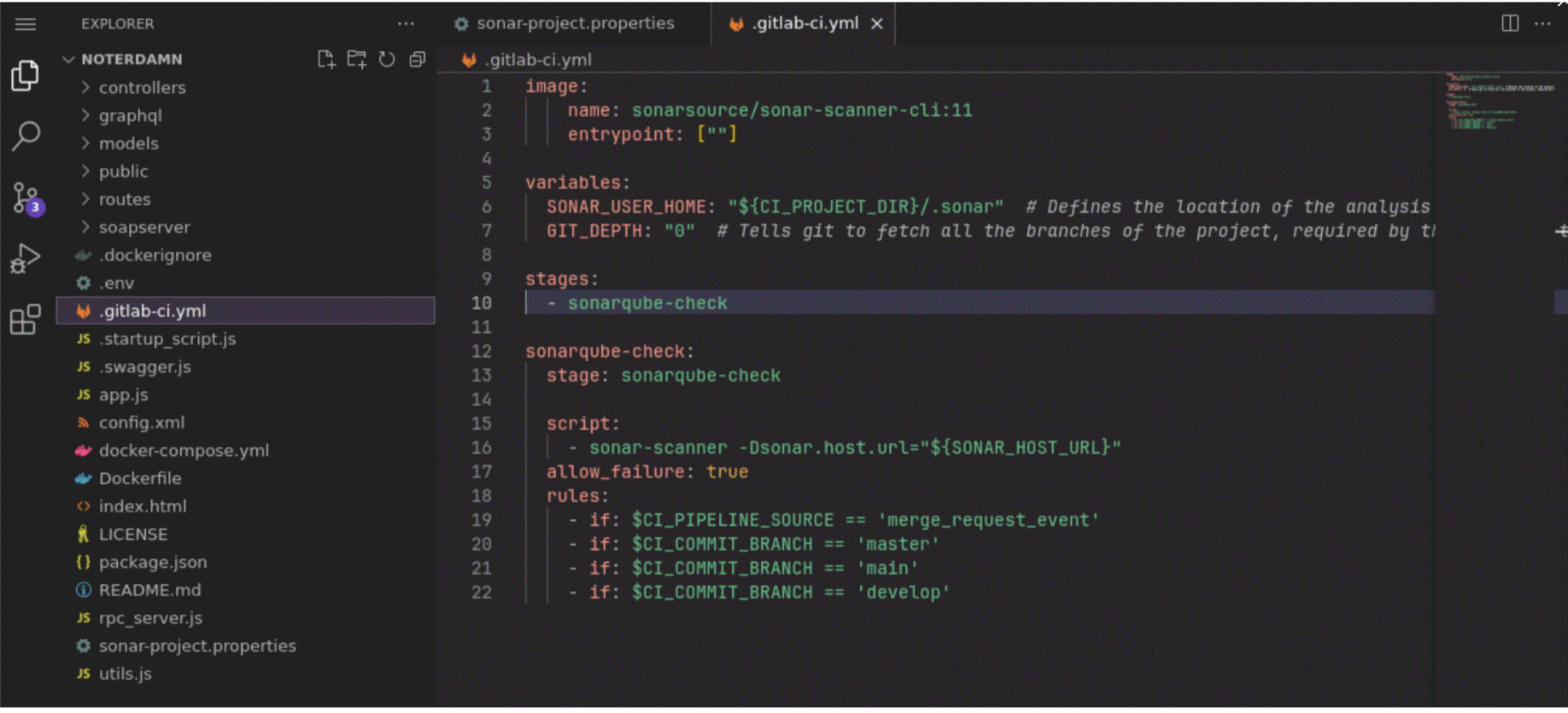
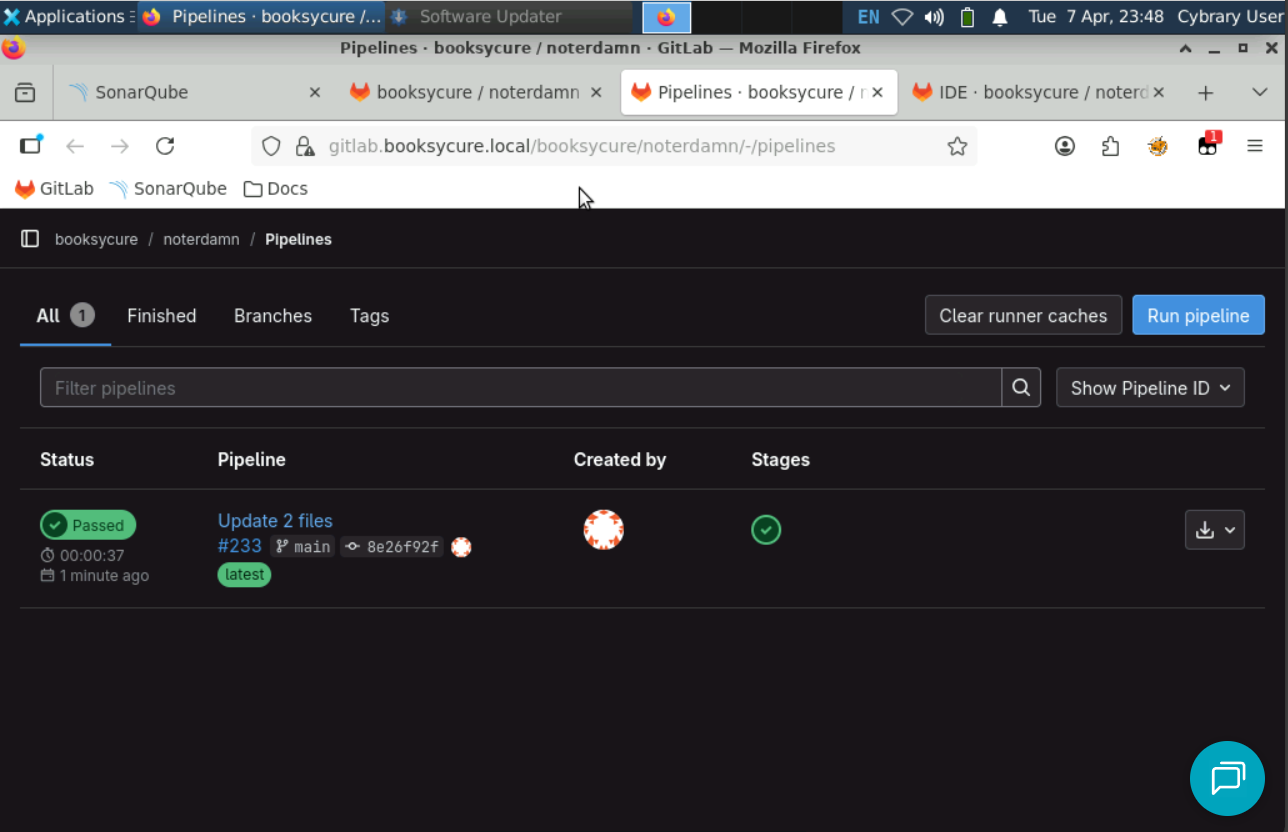
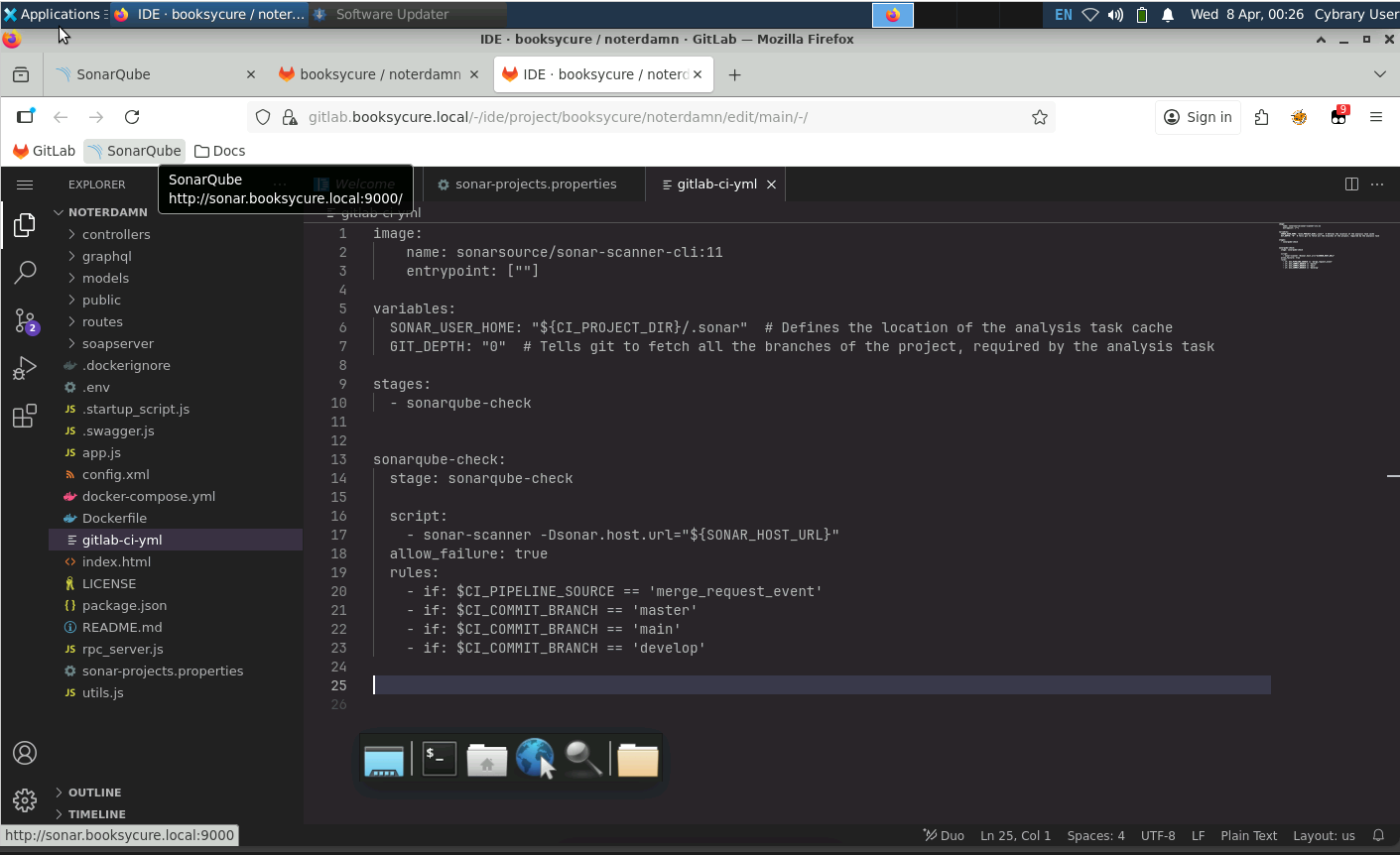
As of Easter Sunday 2026 this is still a problem. You can run the pipeline after applying the necessary edits to the gitlab-ci-yml code and get the pass like as seen below however it does not communicate with SonarQube for the overview analysis as this function is supposed to automatic after deploying and passing the pipeline process.
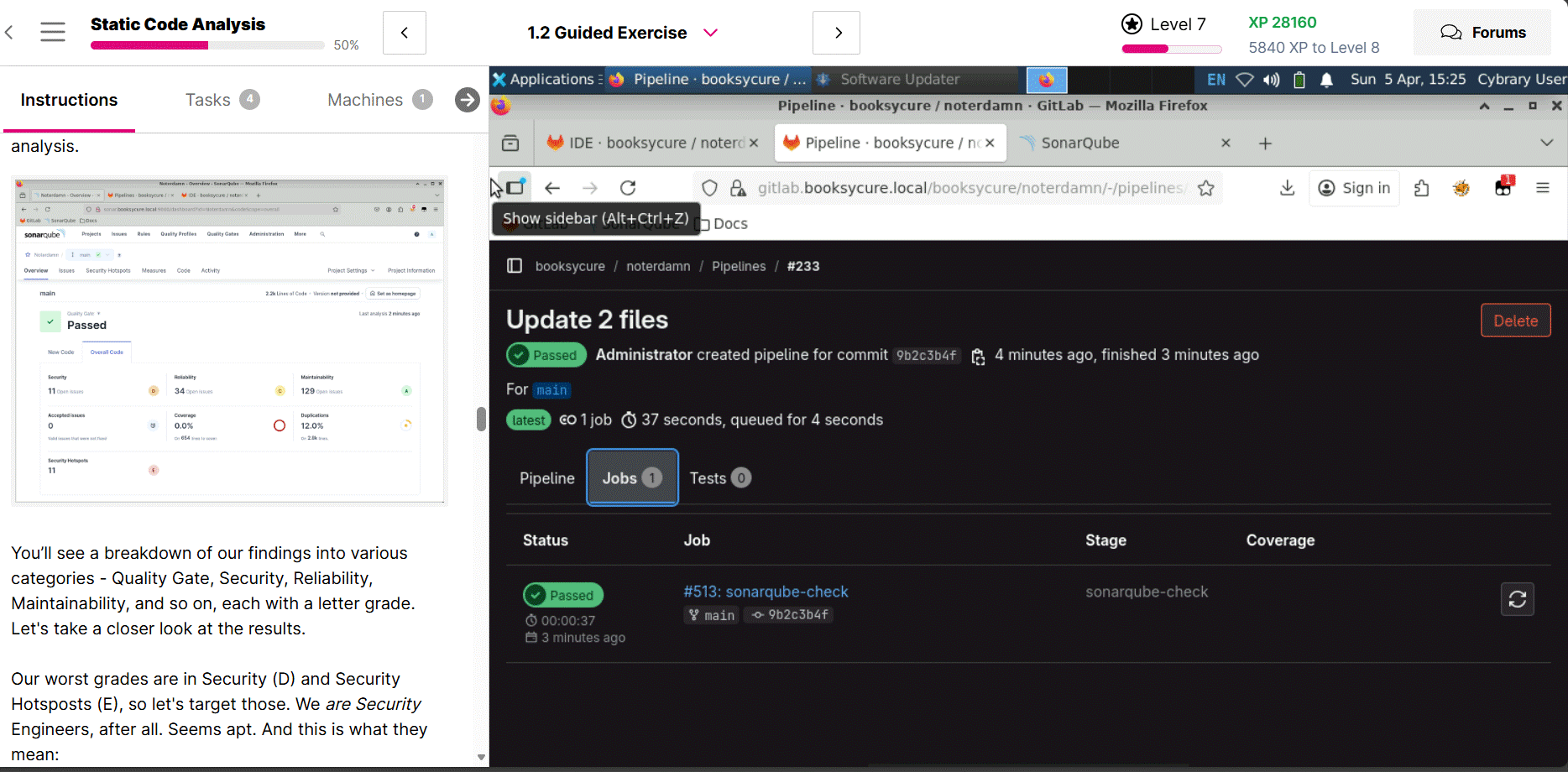
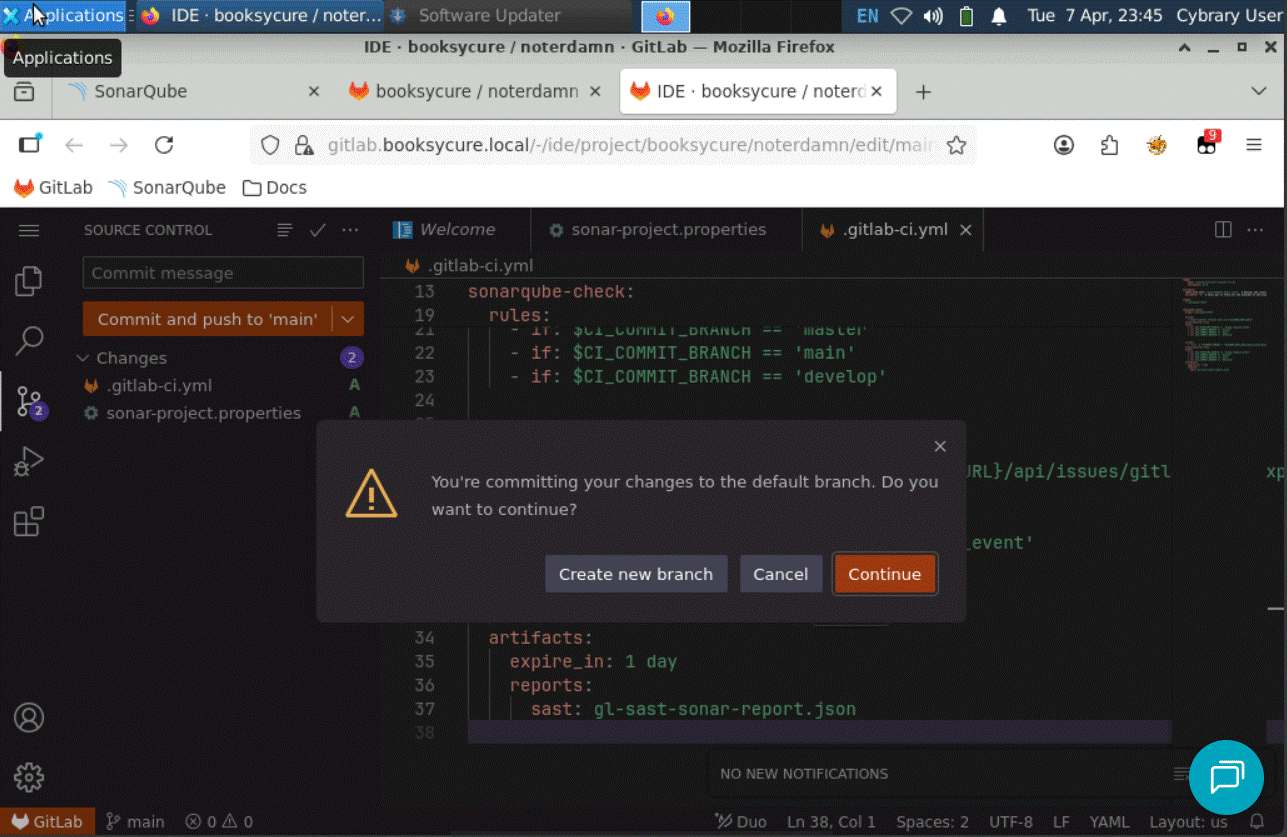
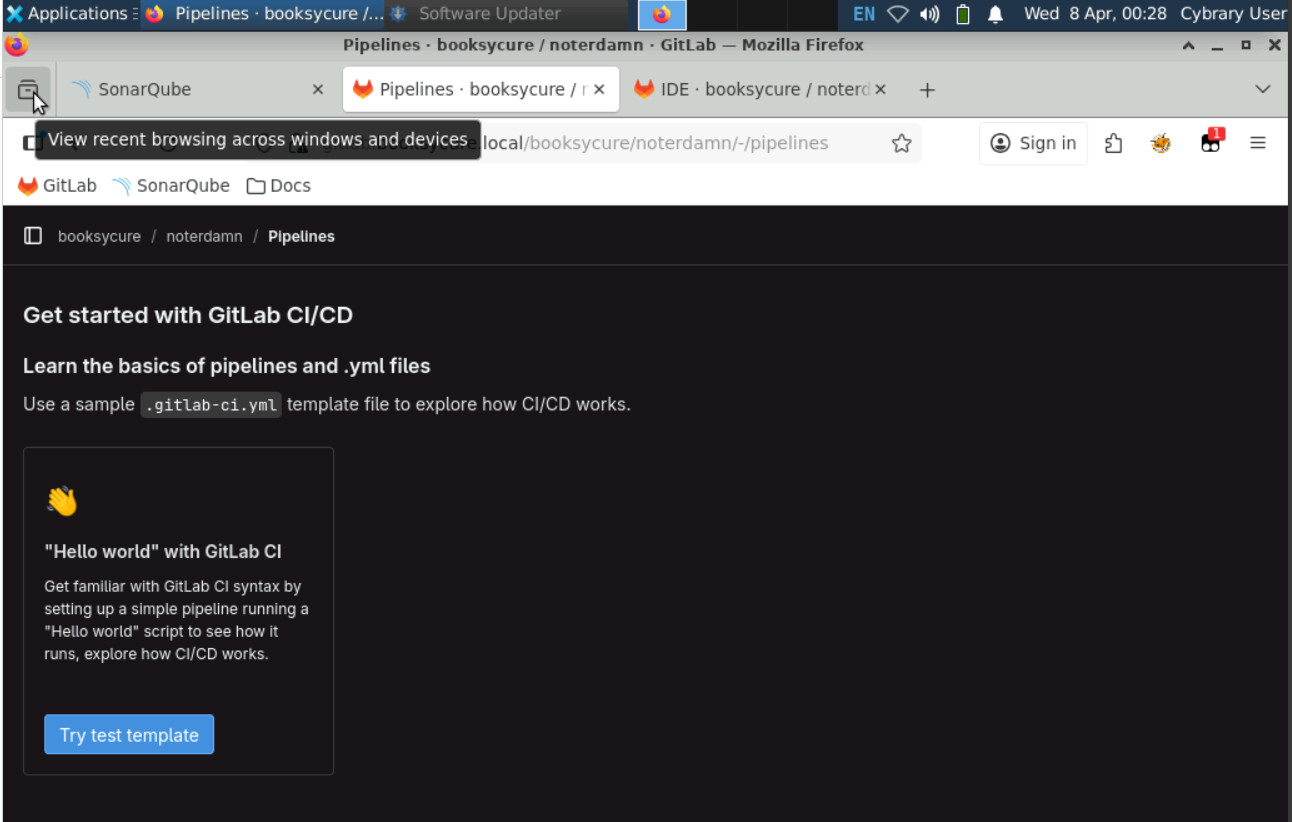
There’s definitely a problem with this lab no doubt. A problem with the pipeline between gitlab and sonarqube. Now when you build to deploy pipeline you get the window below.
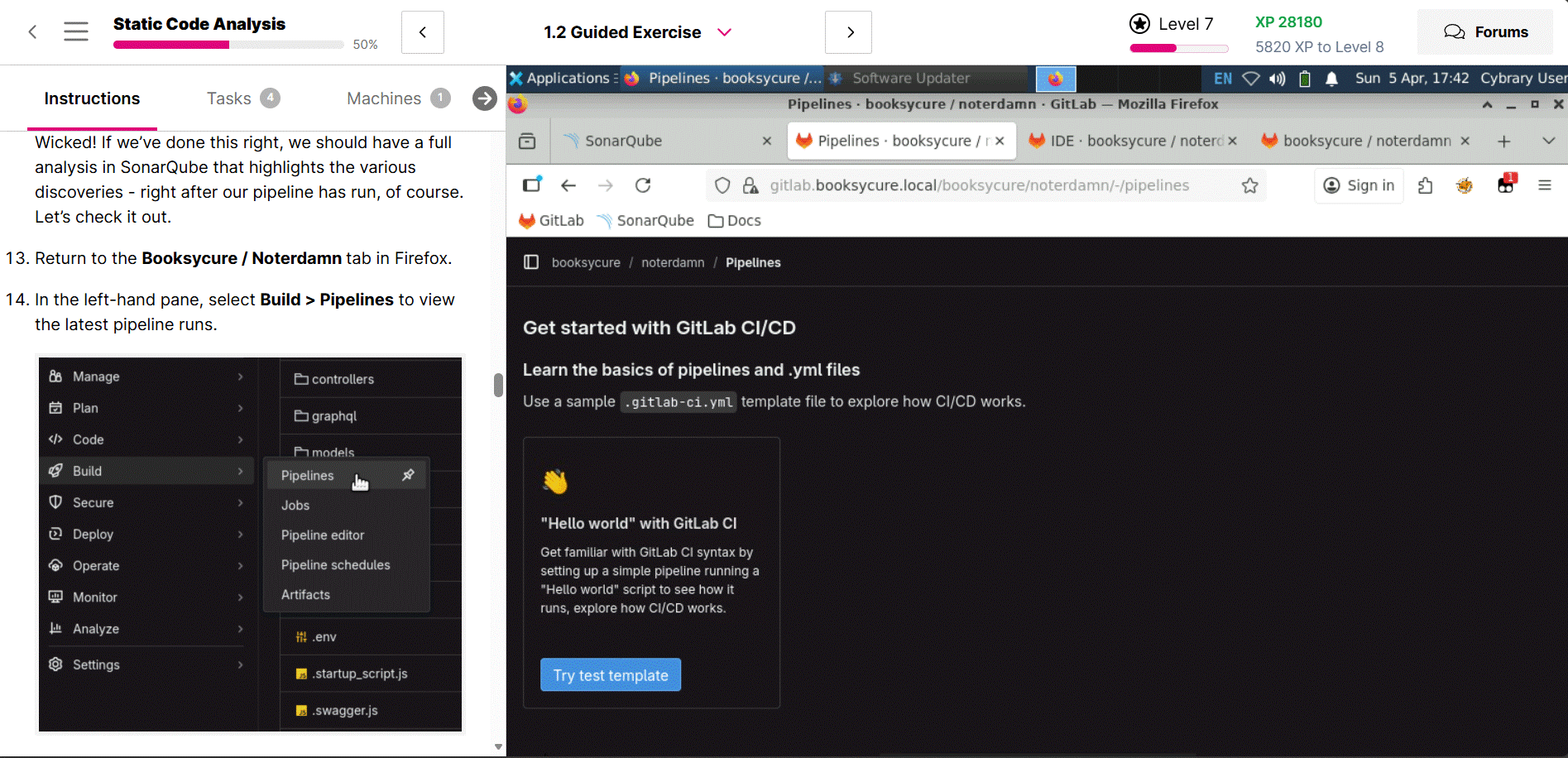
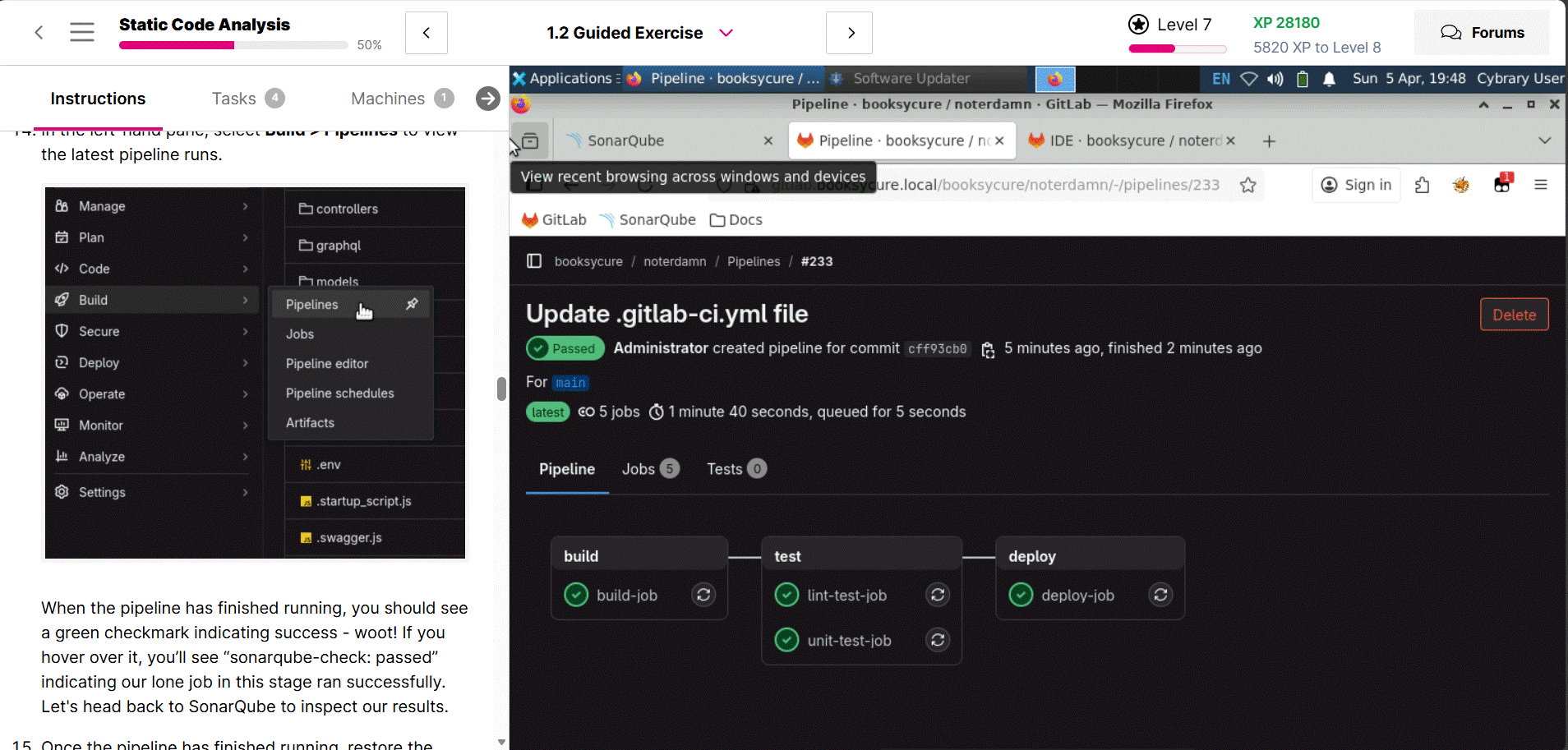
I have asked the instructor to chime in. Thank you for your patience.
Hey @UnableWorm2461!
Sorry to hear about your troubles! And I’m doubly sorry to tell you I don’t have an immediate answer, since I’m currently experiencing the common troubleshooter’s ailment of: “it works for me every time.”
Welp – it’s time we team up and figure this one out together. And to that end, a few questions/requests:
- Can you confirm your .gitlab-ci.yml looks exactly like the screenshot in
Part 2: Step 11? That screenshot shows the entirety of the file – nothing is truncated. Here is the code it shows, for easy reference. Your file should look exactly like this.
image:
    name: sonarsource/sonar-scanner-cli:11
    entrypoint: [""]

variables:
  SONAR_USER_HOME: "${CI_PROJECT_DIR}/.sonar"  # Defines the location of the analysis task cache
  GIT_DEPTH: "0"  # Tells git to fetch all the branches of the project, required by the analysis task

stages:
  - sonarqube-check

sonarqube-check:
  stage: sonarqube-check

  script:
    - sonar-scanner -Dsonar.host.url="${SONAR_HOST_URL}"
  allow_failure: true
  rules:
    - if: $CI_PIPELINE_SOURCE == 'merge_request_event'
    - if: $CI_COMMIT_BRANCH == 'master'
    - if: $CI_COMMIT_BRANCH == 'main'
    - if: $CI_COMMIT_BRANCH == 'develop'
-
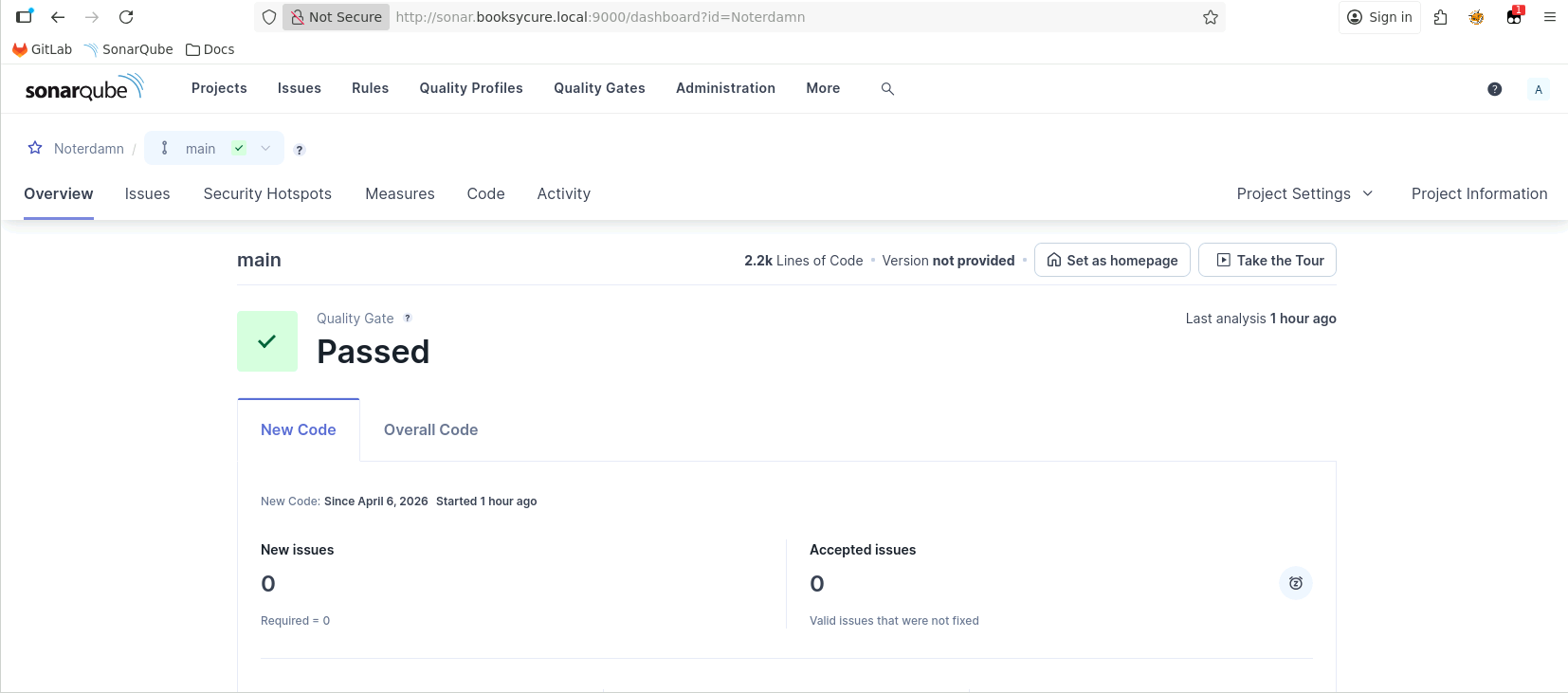
What do you see in your SonarQube Noterdamn project after running your GitLab pipeline? I want to get an idea of exactly what this failure looks like. For example, in my current session, if I navigate to the Noterdamn project in SonarQube after a successful run, I see this:
NOTE: Since this is NOT the first time I’ve run the pipeline, and I haven’t introduced any more issues in my most recent run, there are no issues shown in the default New Code view. This is expected, since we explicitly told SonarQube to behave this way in
Part 1: Step 6.
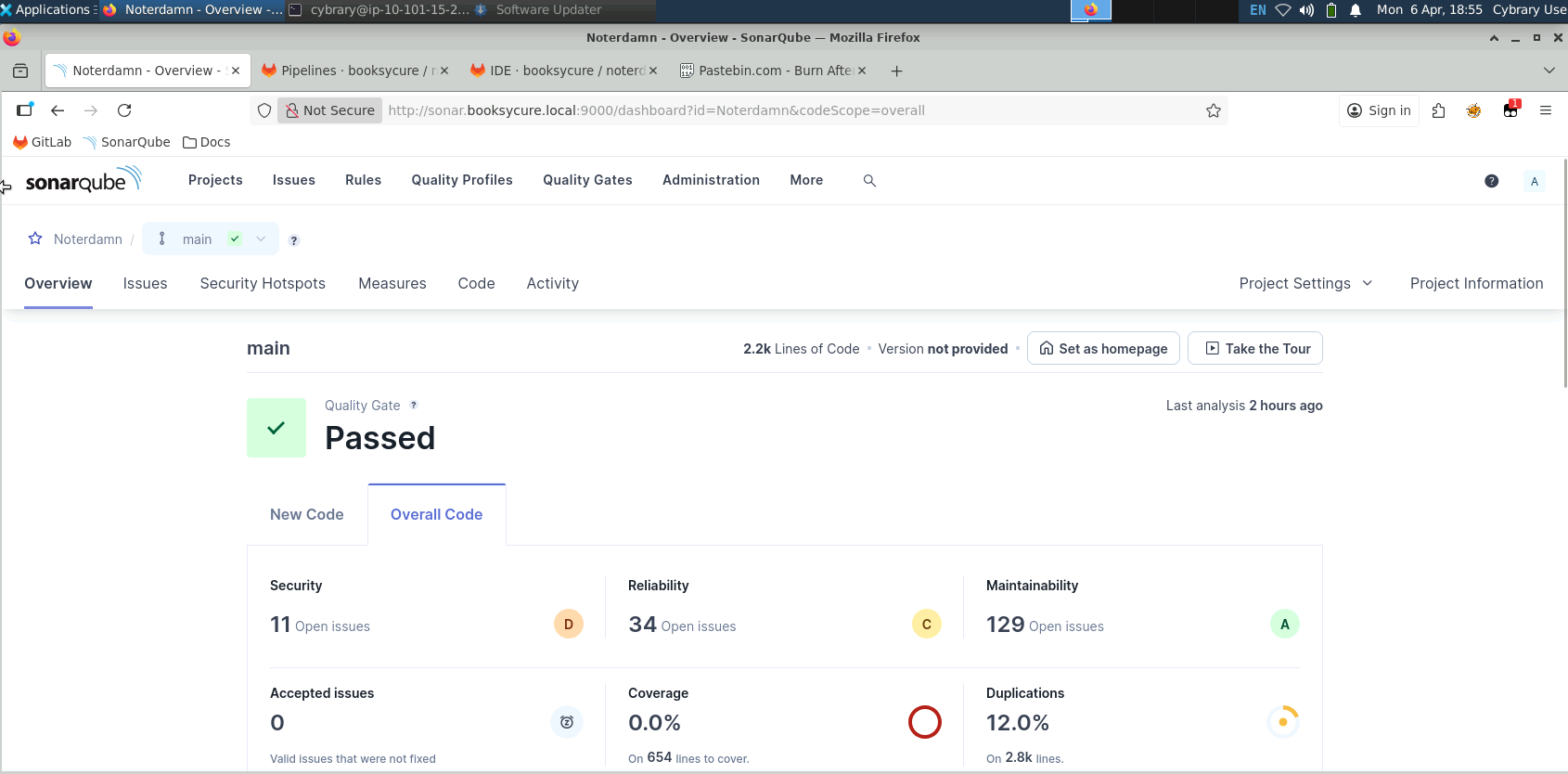
If I want to see the full picture at this point in time, I can just click on Overall Code, which shows me this:- If neither of the above sheds any light on this issue for you, can you please run through the steps again and, if it fails, provide me:
- Screenshot of SonarQube after your pipeline run (be sure to refresh the page first!)
- A screenshot of your pipeline run (Build > Pipeline > the pipeline you just ran)
- A screenshot/the contents of the sonarqube-check job output
- A screenshot/the contents of your
sonar-project.propertiesand.gitlab-ci.ymlfile.
NOTE: In this run, make sure to follow the steps exactly. I see you used the .gitlab-ci.yml test template at one point, indicated by the additional
build-job,lint-test-job, etc. All that should be in that file is the code I provided above.
Sorry for being so needy! Just eager to get this sorted for you, and more information gives me more power.
Thanks @UnableWorm2461!
- Raggetd