Complete the threat modeling lab several times, but I always get the same answer.
Could you please get the last flag so I can continue learning?
Complete the threat modeling lab several times, but I always get the same answer.
Could you please get the last flag so I can continue learning?
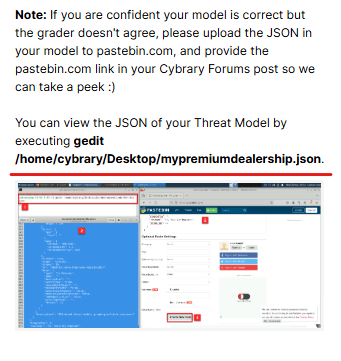
Hey there - as noted in the instructions, if you believe your model is correct but the grader says otherwise, please upload your JSON to pastebin and post it here so we can review it.
Hello
Thank you for your cooperation
Hey there - we’ve reviewed your JSON and confirmed that the grader was failing for the following reasons:
That said, your model was correct otherwise, so I’ve messaged the flag to you.
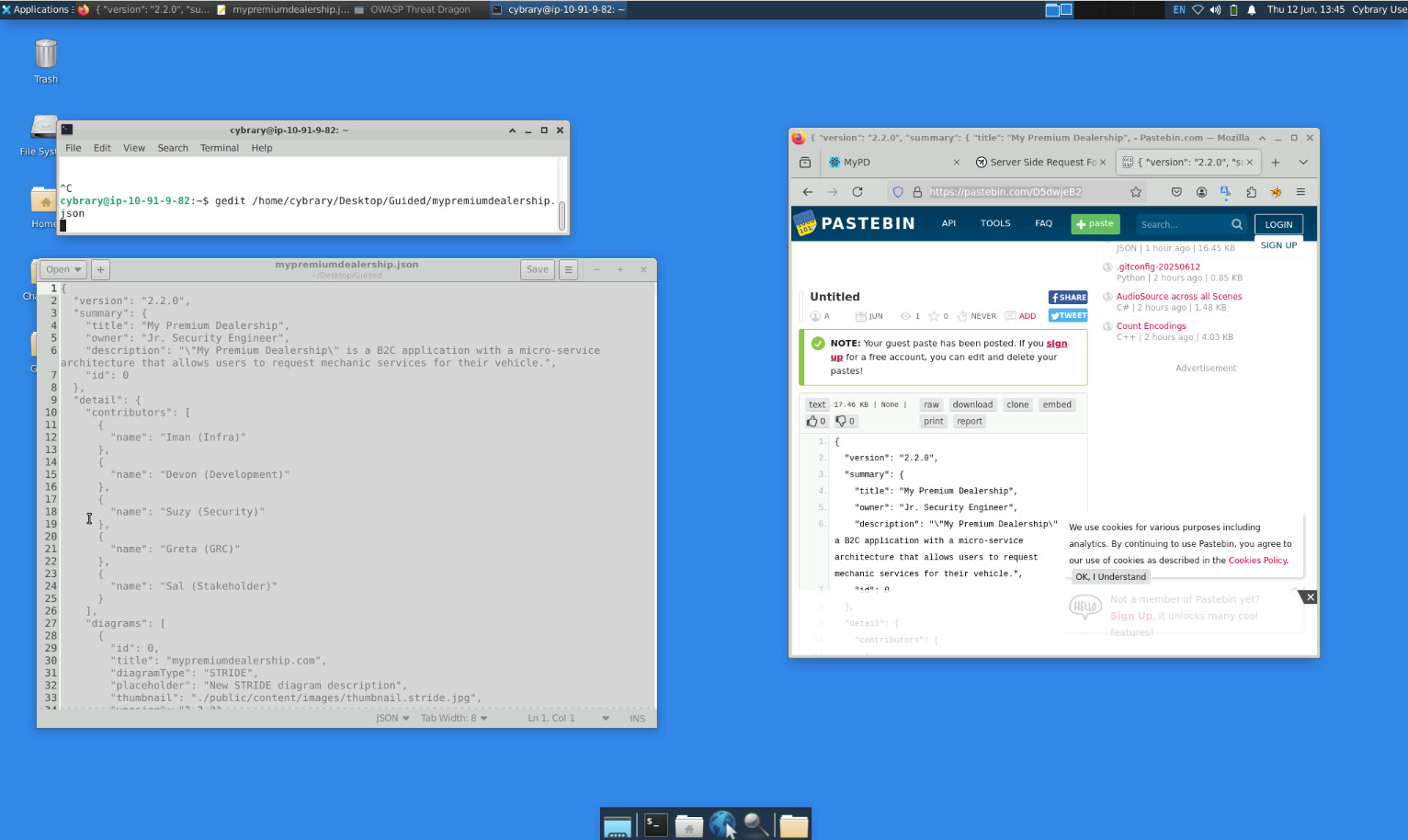
I am also having issues getting the last flag. Here is my JSON for review. It’s saying I’ve done everything wrong but I can’t find any issues in my work
Hey there - we reviewed your JSON and it looks like you didn’t save the file properly before running the grader. This is what’s represented in the JSON.
Hey there - as noted in the lab guide, you’ll need to upload the JSON to pastebin and share the link in order for us to help troubleshoot. Additionally, please share a screenshot of the message that the grader produces when you execute grade-guided.
i also have the same issue
Kindly upload the JSON to pastebin and share the link in order for us to help troubleshoot 
I am having a similar issue.
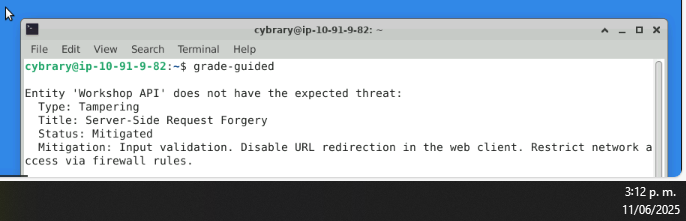
In addition to the pastebin above, can you confirm the message that the grader is outputting?
It looks like you had the Web Traffic flow set to HTTPS rather than HTTP. This gets set in Part 3, Step 8 and is not modified later in the lab.
Hi, I’m pretty sure I’ve done everything correct, however I’m still not getting the flag. I’m being told the SSRF threat is incorrect, but it looks exactly how the instructions describe it. Here’s my pastebin link. { “version”: “2.2.0”, “summary”: { “title”: “My Premium Dealership”, - Pastebin.com - Please can you take a look?
Thank you. That was the problem.
im stuck aswell can someone help me please. the grader just isnt working. it doesn’t recognize any of my work, ive done this lab 3 times, the first time it would be stuck at 2 issues
@CarefulCarp0831 , I’m sorry you are finding this lab challenging. It really does require you to go slow and follow all instructions.
Things people tend to do wrong:
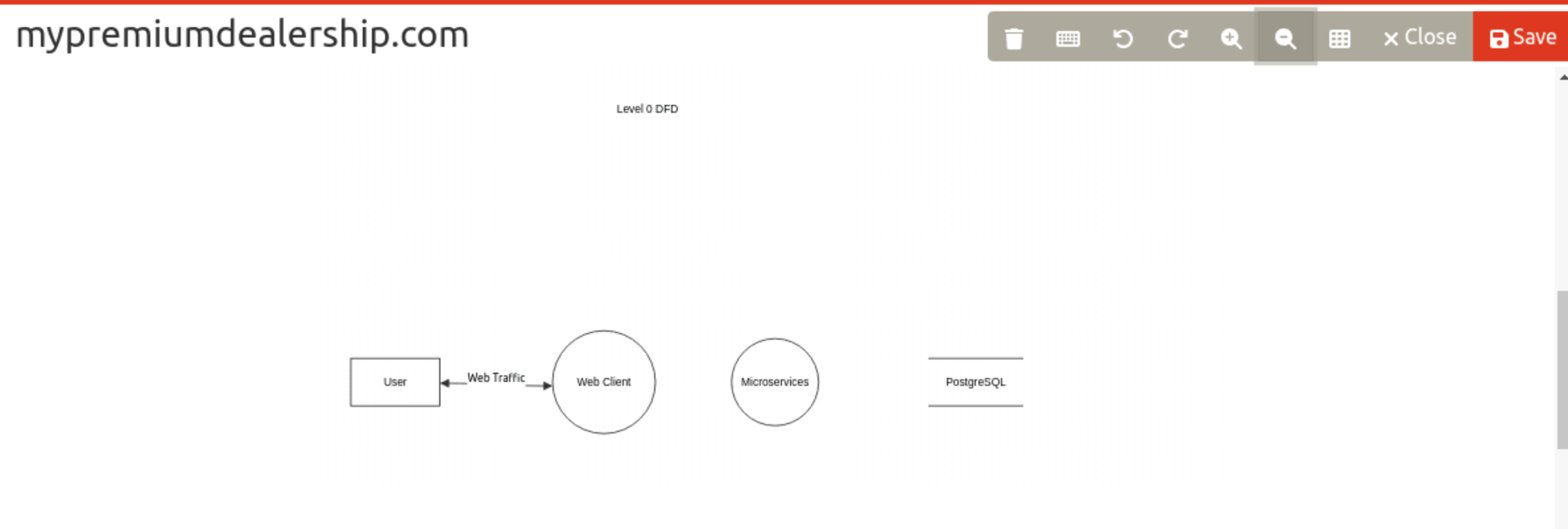
1.) They don’t connect data flows properly. When dragging the ends of your data flow to each entity, ensure a yellow box appears around that entity before you release in order that the data flow properly attaches to it. You can also confirm your connection is successful by moving the associated entity around and observing if the data flow moves at the same time.
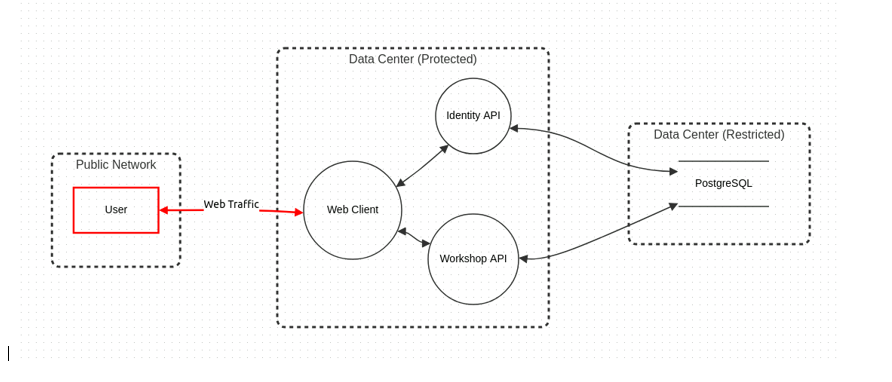
2.)They don’t create the trust boundary correctly. When you click on an entity (user, Web Client, etc), you will see a dotted box surrounding it. Ensure this dotted box is fully encapsulated within each Trust Boundary.
3.) They skip steps.
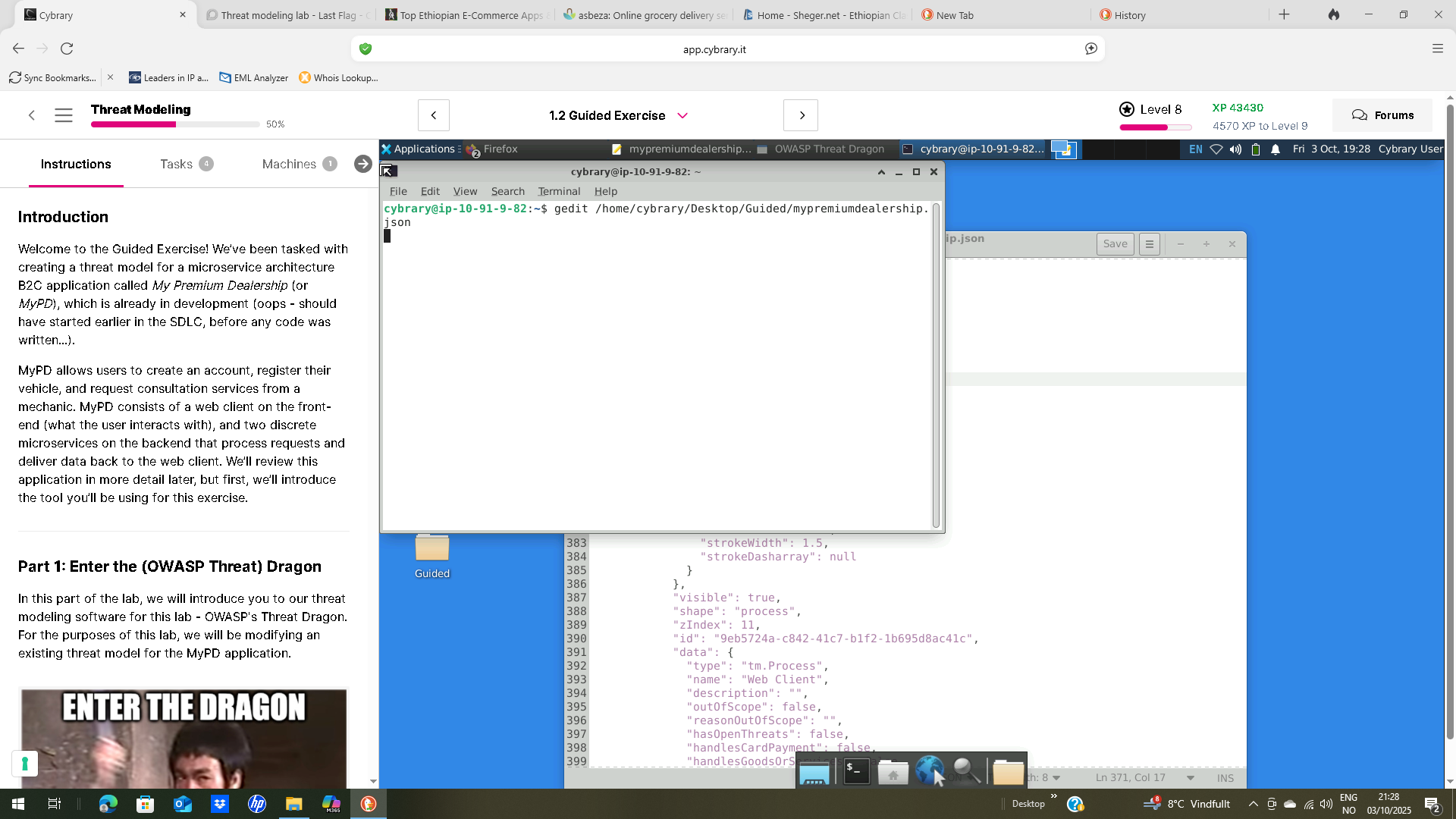
4.) They forget to Save and write over the Desktop > Guided > mypremiumdealership.json file. Sometimes they create a new file, but the grader is looking only for Desktop > Guided > mypremiumdealership.json.
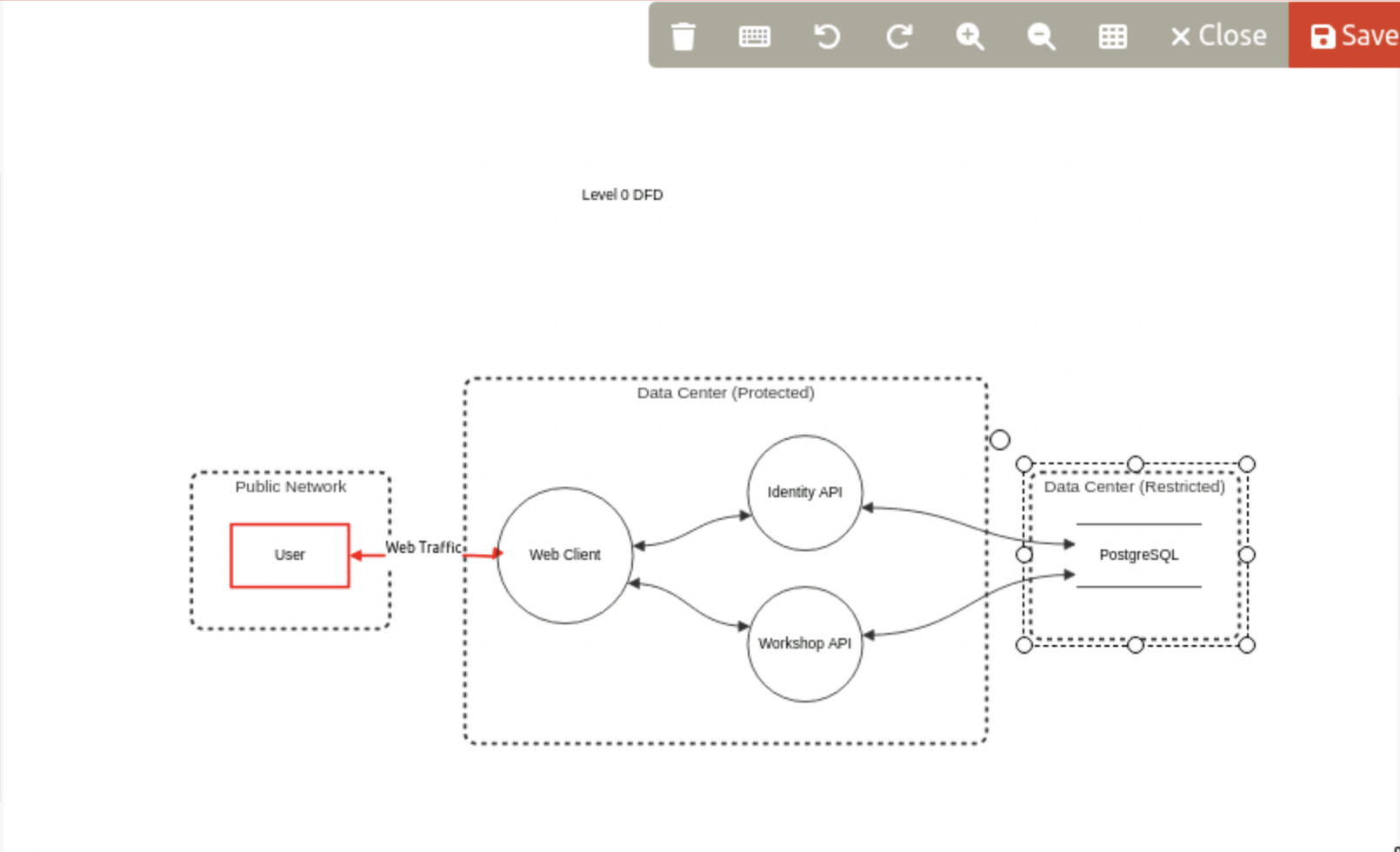
Your model should look as follows:
In looking at your JSON I see that you have the Credential Sniffing risk marked as Mitigated and Open (should only be open), and the Server Side Request Forgery risk marked Open when it should be Mitigated.