Going through the Windows Event Logs guided exercise, which requires to connect the Windows server machine to a Linux server with Wazuh SIEM.
Step 6 in the Getting Started section directs me to edit the etc/hosts file on the Windows machine in Notepad with the Linux server IP. The problem is that when I save the file, I get the “You don’t have permission to save in this location, contact administrator” message. Which means I cannot put in the correct IP for the Wazuh SIEM.
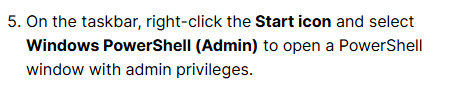
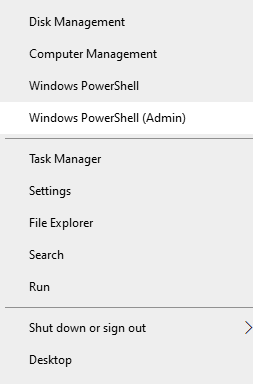
Furthermore, both “net start wazuh” and “net stop wazuh” in Windows Powershell give me the message “System error 5 has occured. Access is denied.” - System error 5 also typically has to do with admin privileges. “Ping wazuh” obviously does nothing, since it’s the wrong IP in the etc/hosts file.
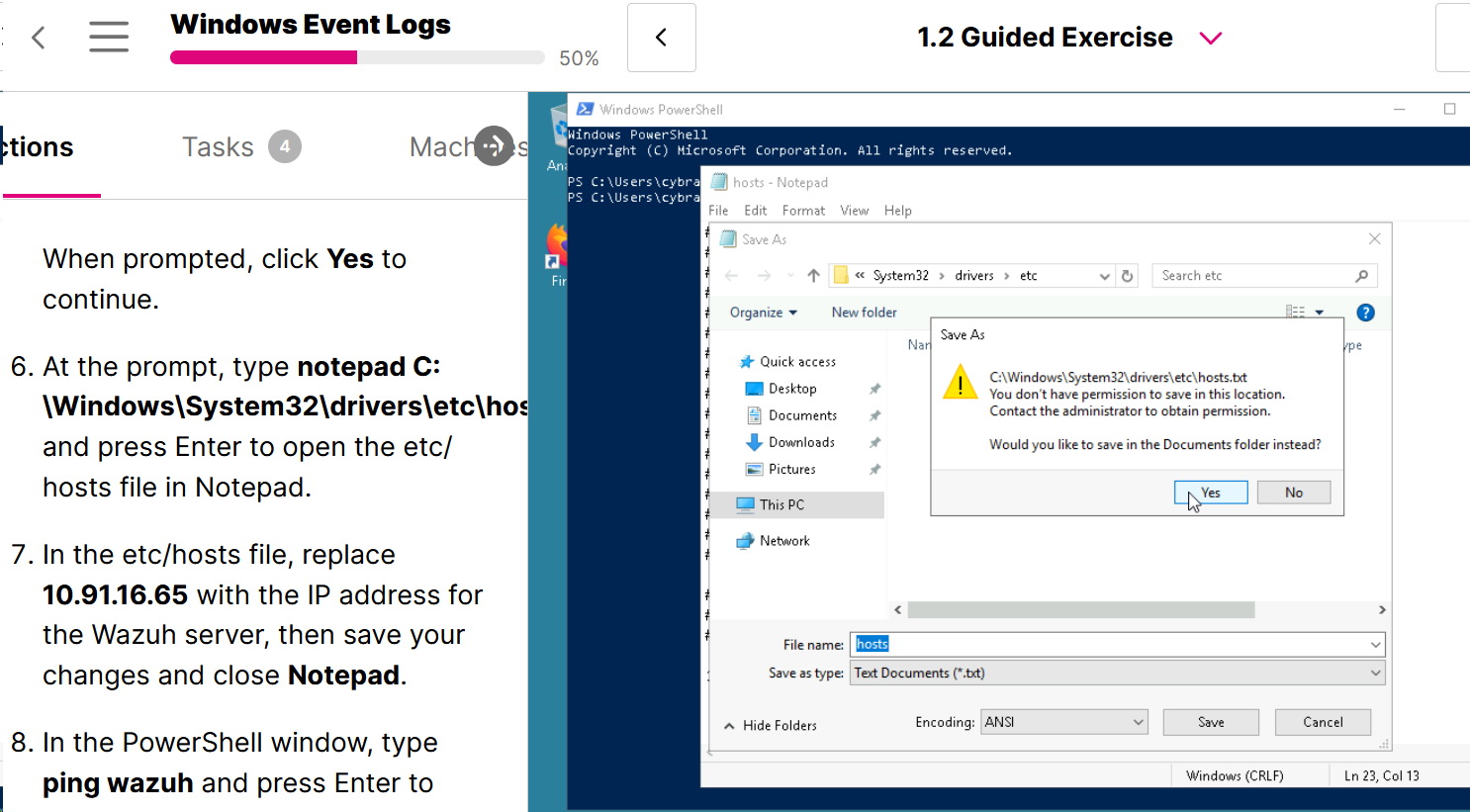
Restarting the exercise and resetting all virtual machines has no effect.
EDIT - without connecting the machines, one cannot complete Task 4 within the guided exercise. If you complete the following challenge exercise, then you can get the answer that works in Task 4 as well. Still, something is wrong here. END EDIT
Thanks in advance for looking into this.