I’ve followed the lab instructions to the letter several times, and I cannot seem to generate traffic and packet capture to the webserver via HTTP. The pingall step does in fact reach the webserver and generates packets for capture, but no HTTP packets appear to be captured during the interaction with the web server leaving me unable to answer question #3.
It’s possible part of the issue may be that “firefox” does not appear to exist under what the lab expects it to be, and instead returns “internal error, please report: running “firefox” failed: cannot find installed snap “firefox” at revision 6836: missing file /snap/firefox/6836/meta/snap.yaml”
Let me re-run the lab and see if I can replicate.
Worked as expected for me. Can you confirm that you’re running all steps past the “pingall” step in the “Node: h1” terminal? Are you seeing new traffic appear in Wireshark as you complete the ftp and telnet steps?
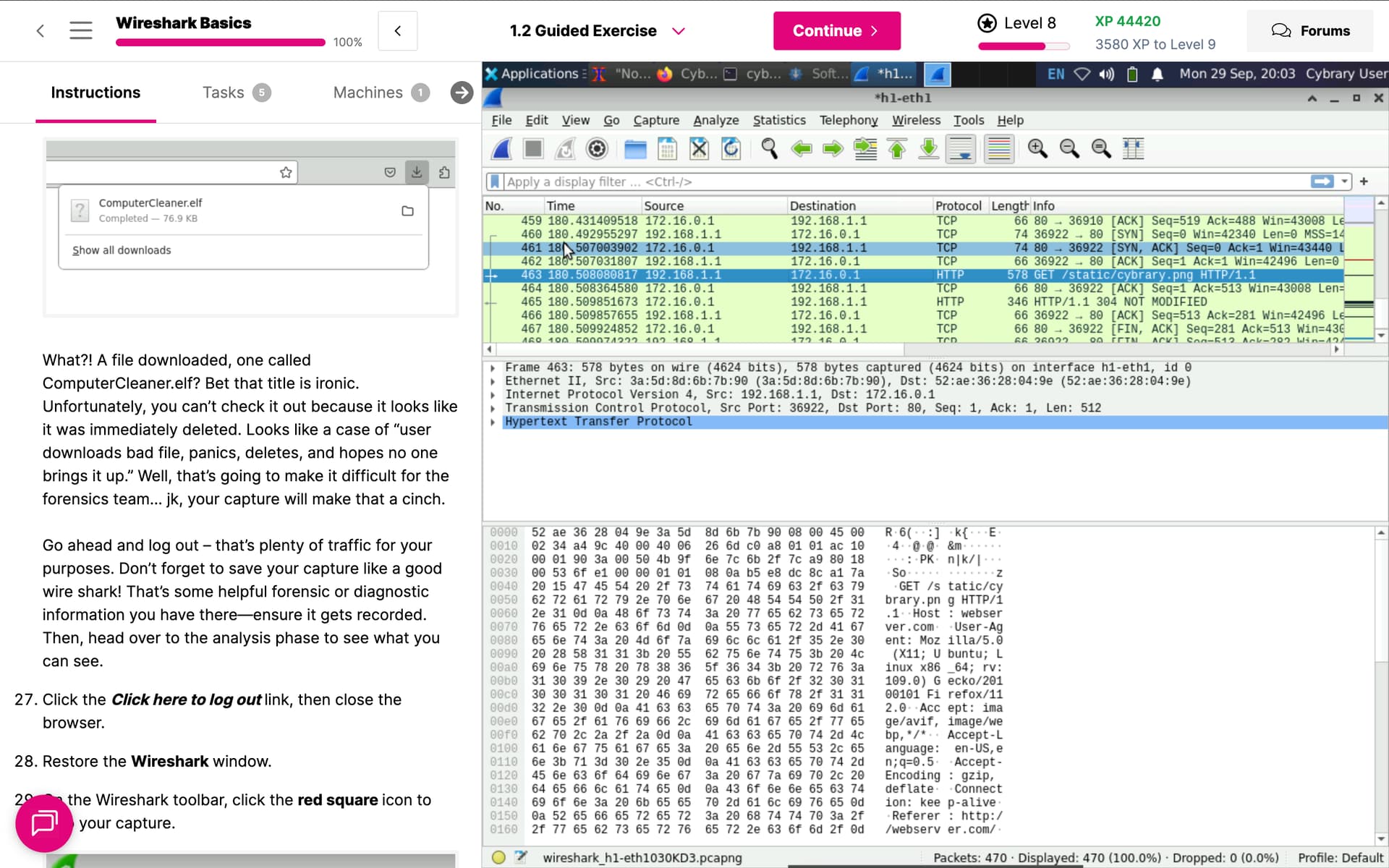
Odd. After going back once more and following the exact same steps, Firefox properly opened this time, but would not before. Same steps.